
Reviewing changes
Review both the live editor buffer and the repository diff so unsaved text, agent edits, and Git changes are not confused.
On this page2
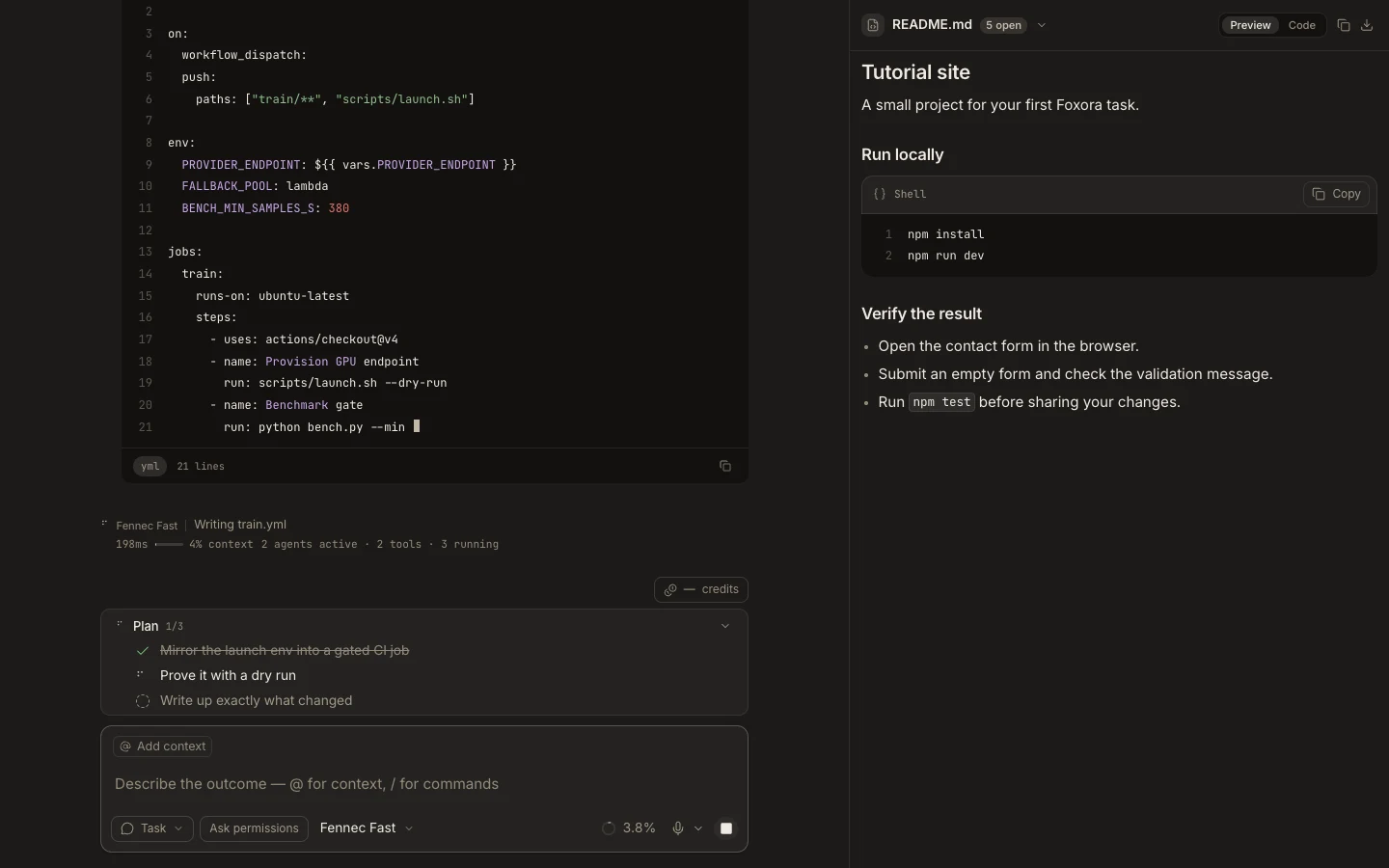
Steps
- Check each edited tab for a dirty indicator and save or discard it deliberately.
- Use View changes in the editor to compare the file with Git HEAD when available.
- Run git status and git diff in Terminal to include untracked and cross-file changes.
- Run the project’s focused tests before accepting or committing.
Expected result
You can name every changed file, understand its diff, and cite the check that passed.
Note: View changes is a comparison with HEAD, not a staging or commit control.