
Accept Edits mode
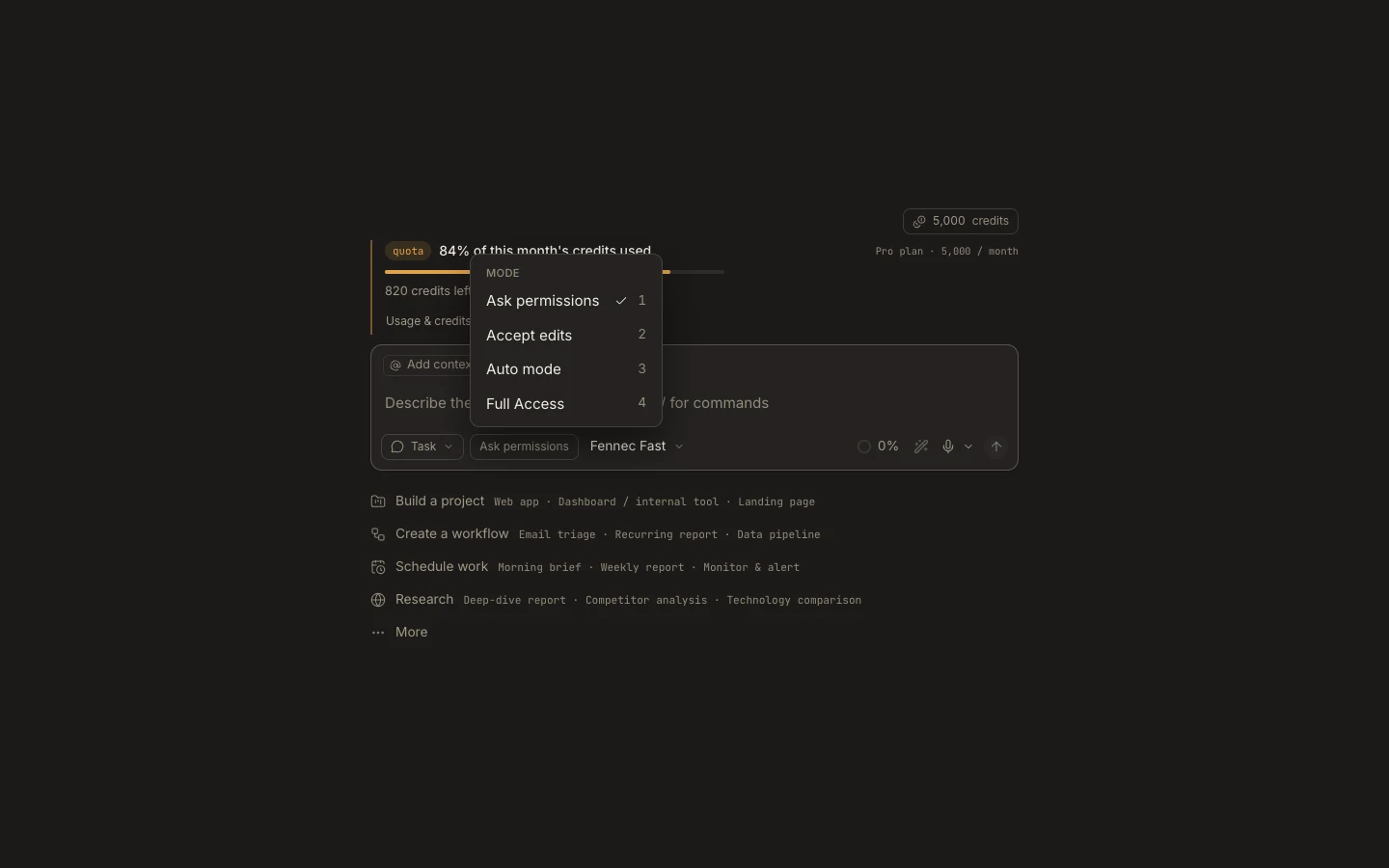
Accept Edits lets Fennec write files inside the authorized workspace without pausing, while commands and other mutating actions still require approval.
On this page2
Steps
- Open the autonomy chip in the composer and choose Accept edits.
- Confirm the attached project or workspace root before sending the task.
- Review file changes as they appear in the transcript or editor.
- When a command or destructive action is requested, inspect it and choose Allow once or Deny.
Expected result
Routine file edits proceed automatically, but non-edit mutations still stop for your decision.
Note: Read-only inspection is not gated; policy and operating-system boundaries still apply.