
Managing multiple terminals
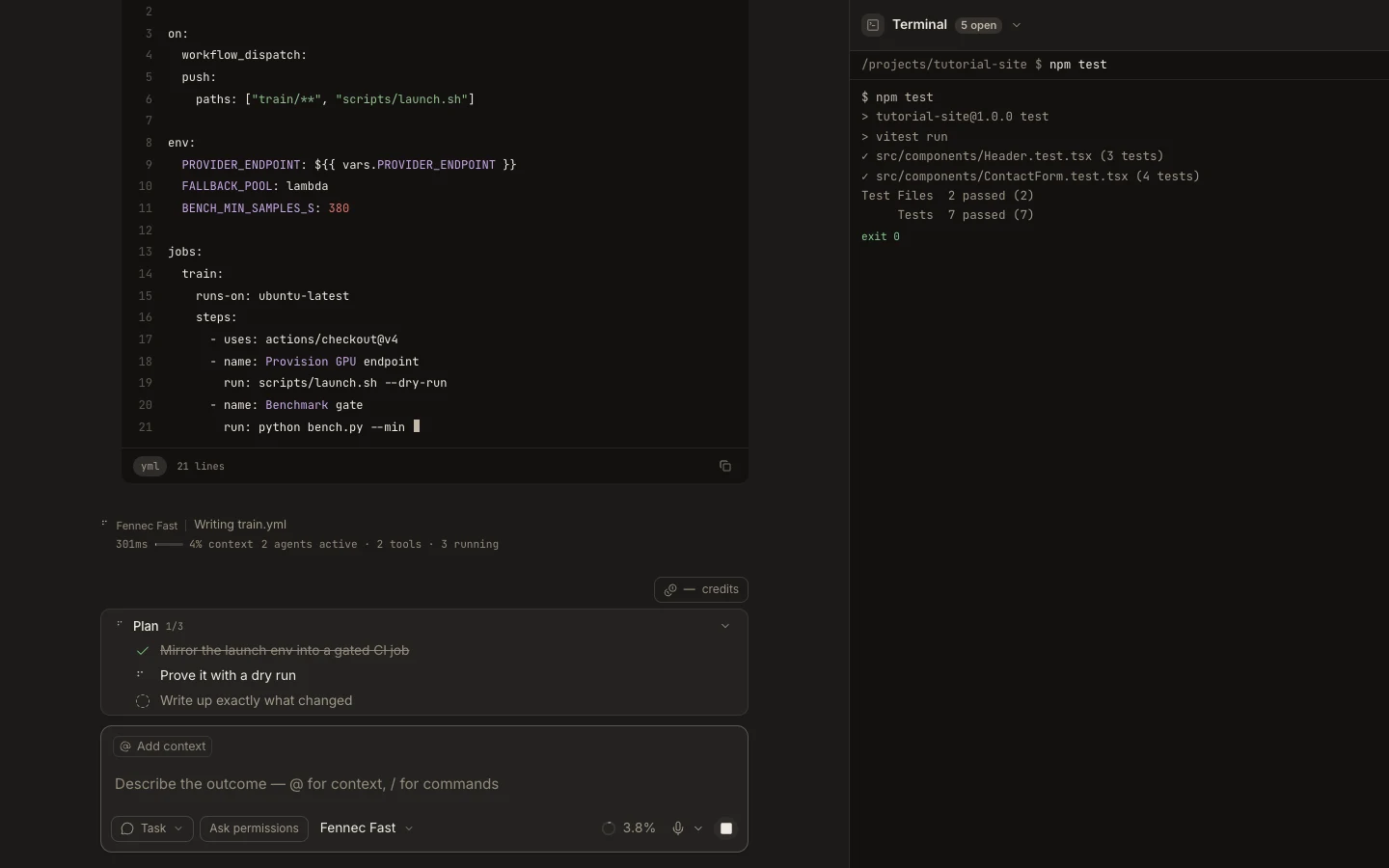
Terminal tabs keep independent shells available for commands that need different working states or concurrent processes.
On this page2
Steps
- Open Terminal in Stage and select the plus control to create another tab.
- Rename or identify each tab by the command or process you run there.
- Switch tabs to compare output; inactive real terminals remain mounted.
- Close a tab only after its command has finished or been stopped safely.
Expected result
Each tab retains its own shell and scrollback, and reopening Stage returns to the available terminal sessions.
Note: On Web, a stable tab key reconnects to the same cloud shell and its bounded replay history.