
Install and sign in
Install Foxora Studio, sign in in your browser, and finish the four first-run choices.
On this page2
Use the signed installer for your computer, then connect Studio to your Foxora account.
Steps
- Download Foxora Studio for macOS or Windows.
- Open the installer and move or install Foxora Studio when prompted.
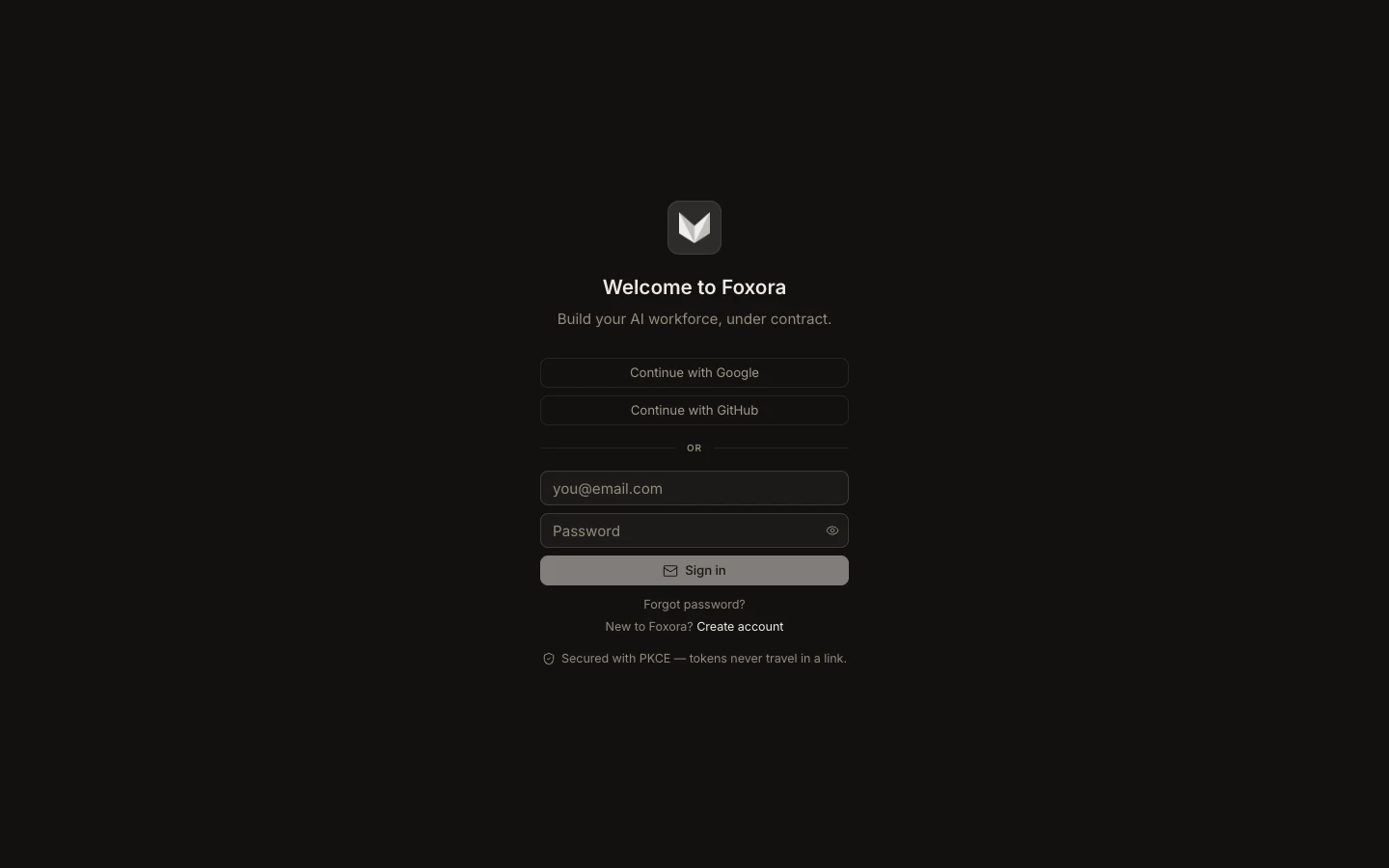
- Launch Studio and select
Continue with GoogleorContinue with GitHub. - Finish sign-in in the browser, then return to Studio.
- Choose your role, goals, default autonomy, and optional voice settings.
If macOS blocks the first launch, confirm that the installer came from the official download page before allowing it in System Settings.
You are done when
The Foxora workspace opens and the sidebar shows New, Inbox, Projects, and Tasks.
Note: Linux users can use the web app or Foxora CLI; the native Studio app currently targets macOS and Windows.