
Data and system settings
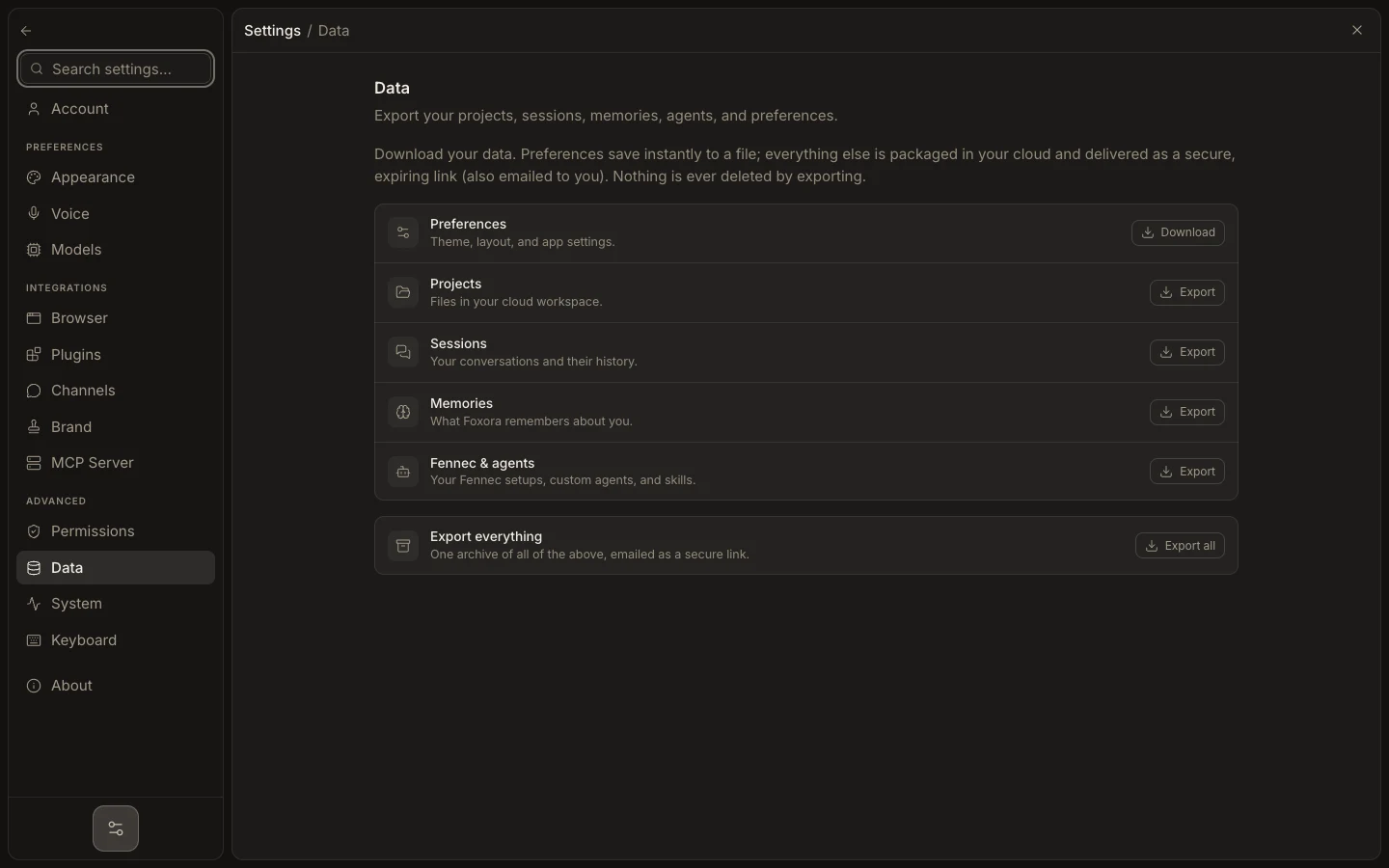
Data exports account content; System shows runtime connections, workspace or local-data details, startup behavior, versions, and narrowly scoped reset controls.
On this page2
Inspect or export safely
- Open
Settings→Data; useDownloadfor instant Preferences JSON orExportfor a cloud-packaged category. - Use
Export allfor one secure, expiring archive link. Exporting does not delete data. - Open
Systemand recheck connection tiles, cloud workspace state, or the Desktop data folder. - Review startup, closing, application-version, and platform details before troubleshooting.
- Use
Reset appearanceorReset onboardingonly after reading its stated scope.
Expected result
The requested export starts or downloads, and diagnostics reflect the active runtime without clearing projects, sessions, channels, or account data.