
Edit and manage agents
Custom agents can be changed or deleted in Studio. Built-in identities follow the active Foxora publication and are view-only.
On this page2
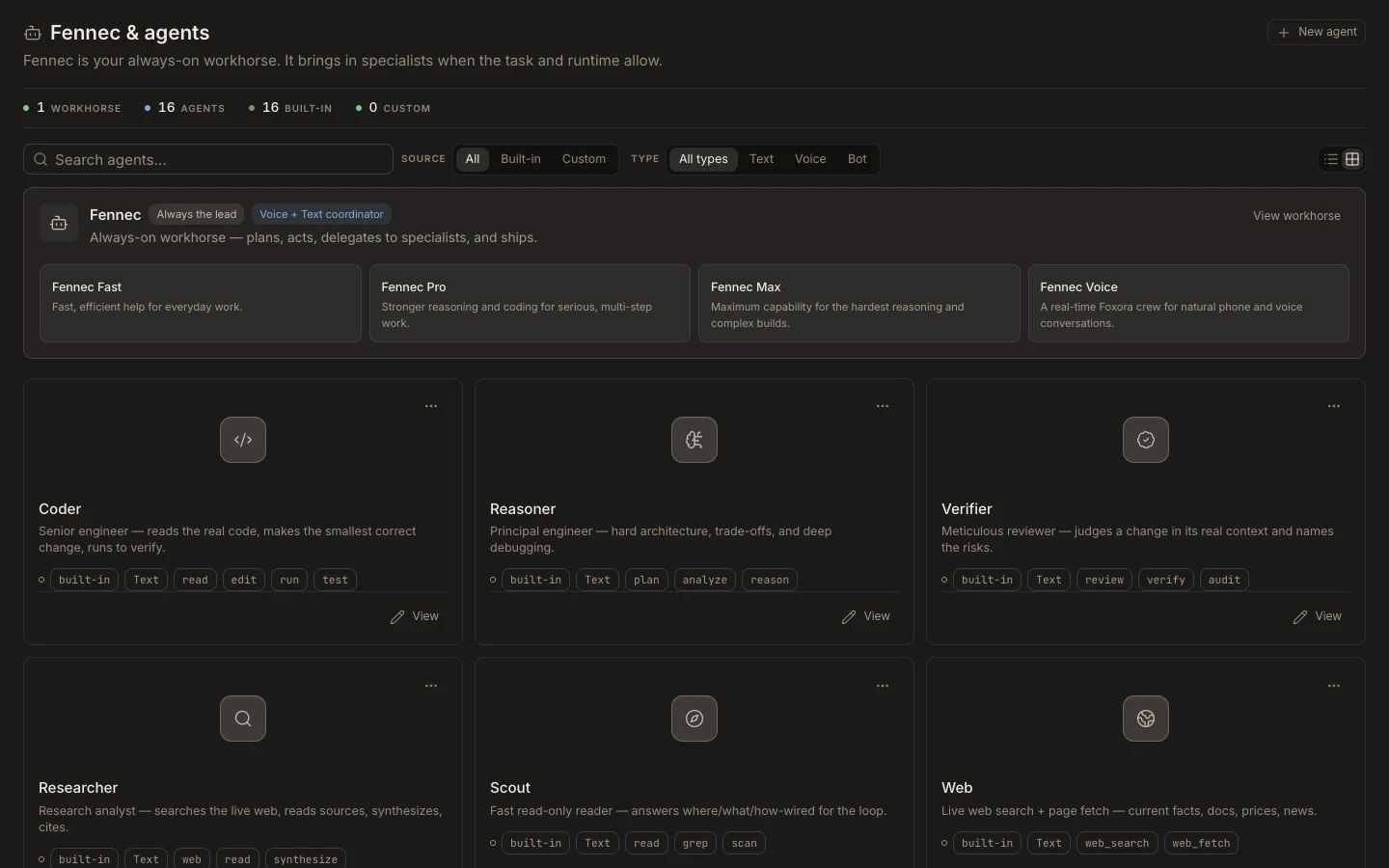
Manage an agent
- Open
Studio→Agentsand search by name or description. - Select a custom card or use its menu to open
Edit agent. - Change one concern at a time: identity, soul, permissions, capabilities, connections, or model routing.
- Select
Save agent, then rerun its existing test prompt. - Use the editor’s delete action only after removing the agent from crews or channel assignments that still need it.
Expected result
The library shows the updated agent and a new test uses the saved configuration. Opening a built-in agent shows published fields and no edit or delete action.