
Explore saved memory
Use Memory Den to inspect what the Runtime could reuse before you ask Foxora to depend on earlier work.
On this page2
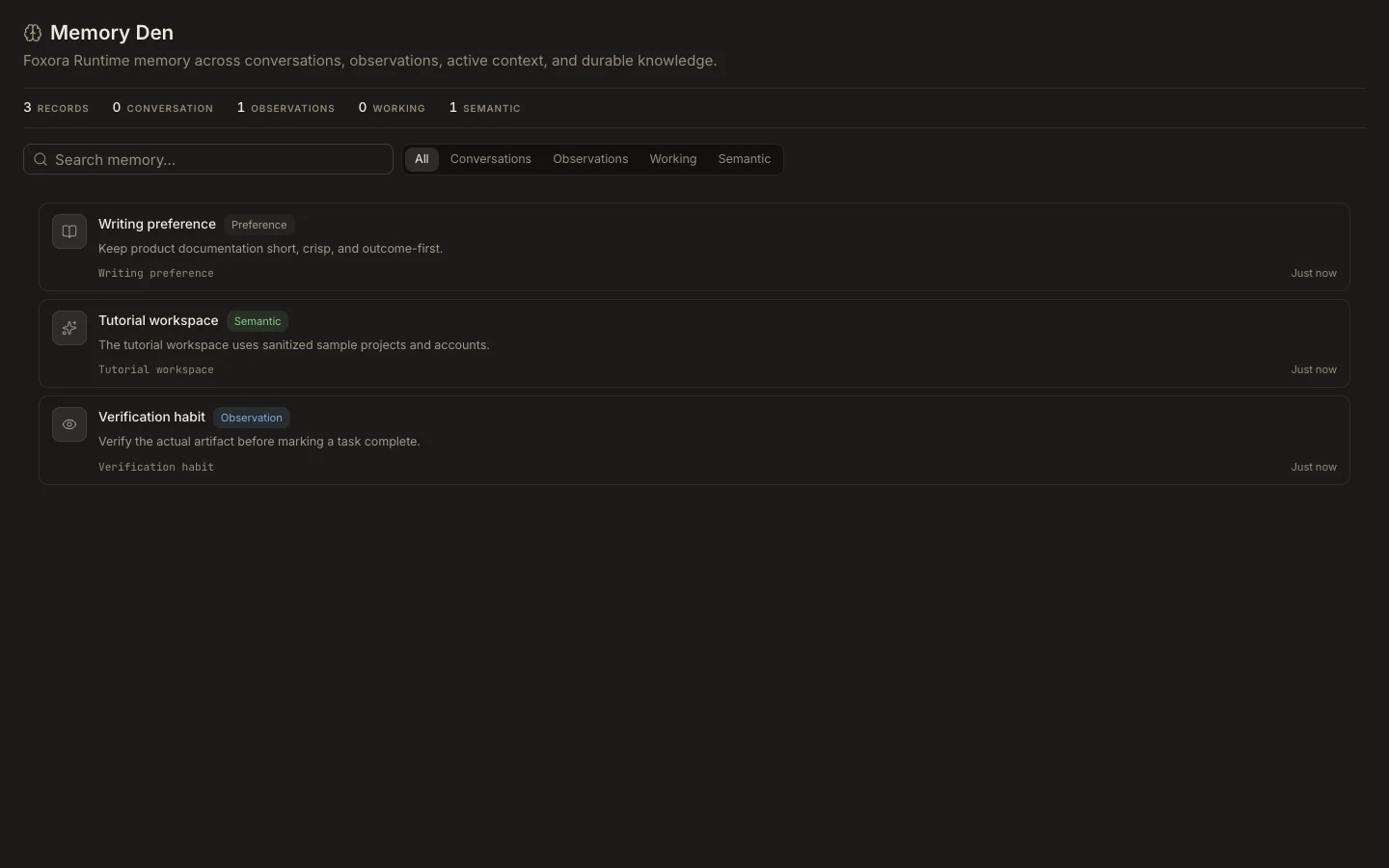
Find a useful card
- Open
Studio→Memoryand start withAll. - Search for a project, person, decision, or exact phrase.
- Narrow the list with
Conversations,Observations,Working, orSemantic. - Read the card’s anchor, type, two-line content preview, scope, and timestamp.
- If
Latest records shownappears, remember that the visible snapshot is truncated.
Expected result
You locate the relevant memory and understand its category and scope without treating the card as an editable note. On Desktop, the optional import panel can show supported local assistant sources and an explicit passage count before anything is imported.