
Triggers, steps, and actions
A workflow starts from one trigger and passes durable data through an ordered set of steps.
On this page2
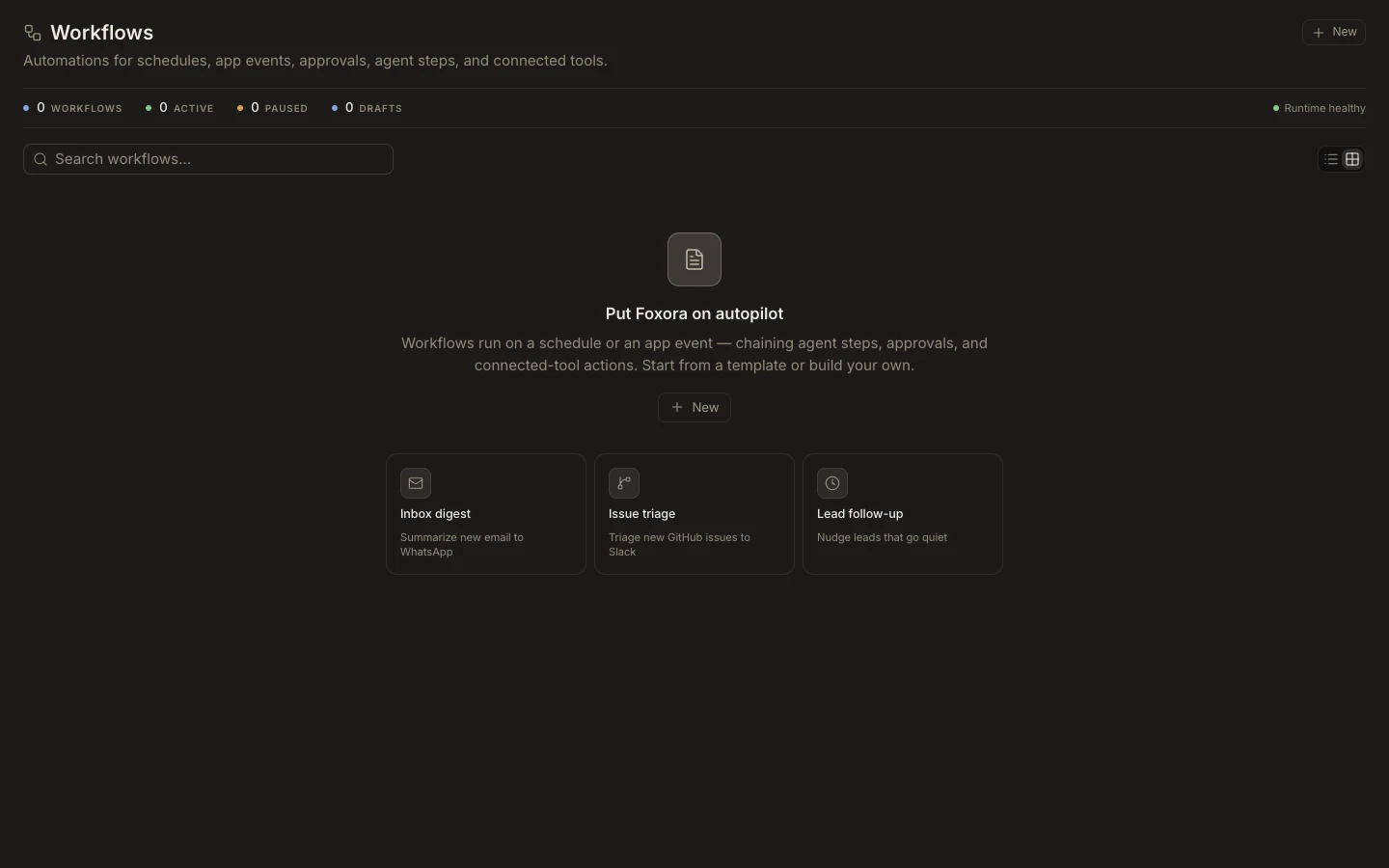
Compose the flow
- Choose a manual trigger, a schedule with time zone, or an event from a connected app.
- Add an agent step for reasoning or content work.
- Add a tool or notification step for a concrete action and map its required input.
- Use conditions, delays, loops, and approvals to control when later steps run.
- Name every node by its outcome and test the full sequence.
Expected result
The canvas clearly shows what starts the workflow, what each step consumes, and what it produces. Connected-app triggers require a live plugin connection. Inputs may reference earlier step outputs, but forward references and empty required fields should block testing or publishing.