
Plans and live progress
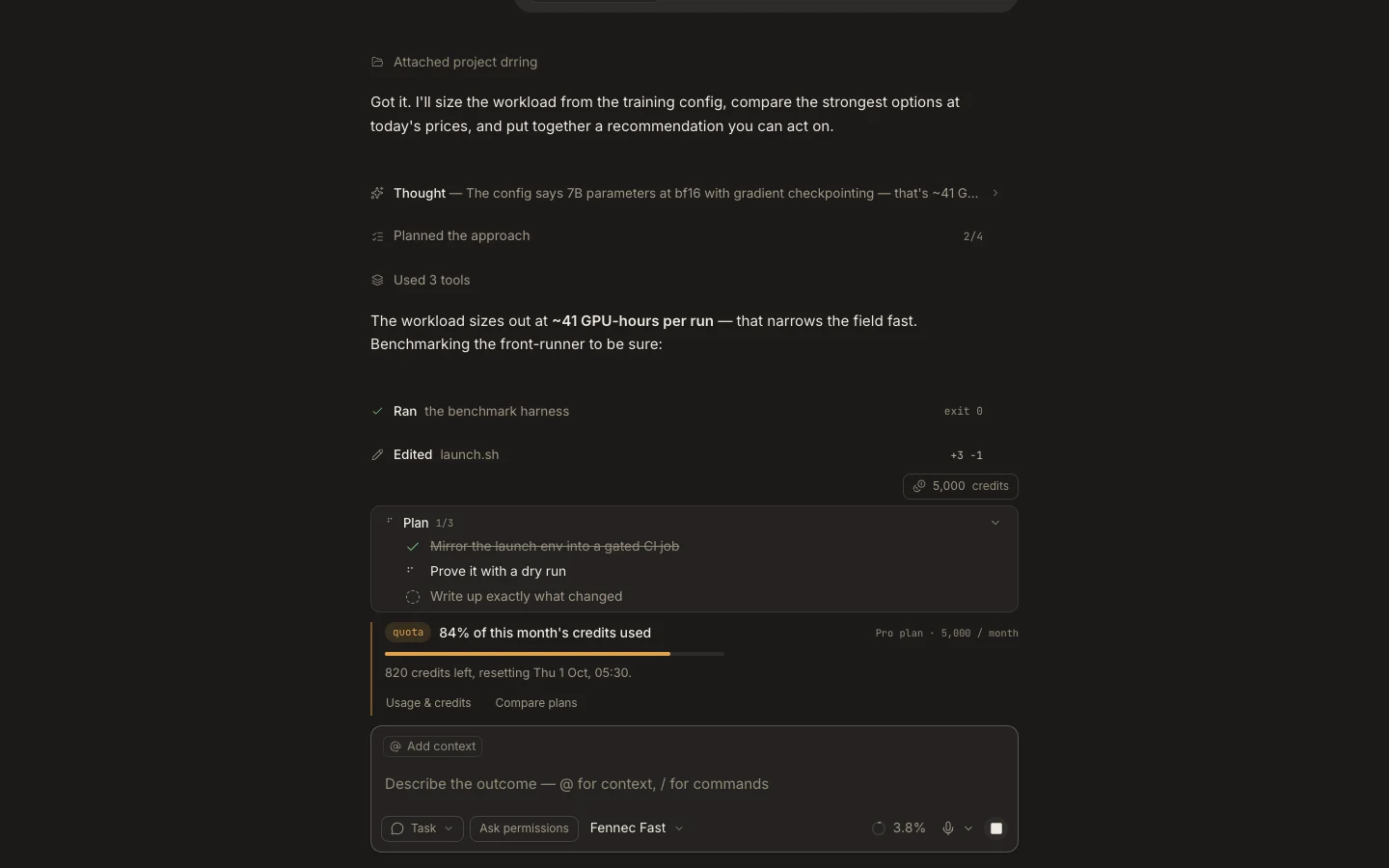
Plans now live in the conversation and composer plan dock, while delegated runs and long-lived work are inspected through Background tasks in Stage.
On this page2
Steps
- Choose Plan intent when you want Fennec to propose an approach before implementation.
- Review and refine the plan in the transcript or plan dock.
- Start the approved work and follow live activity in the conversation.
- Open Stage → Background tasks to inspect or stop supported delegated work.
Expected result
Planning decisions remain part of the task’s conversation, and active background work has a separate operational view.
Note: Foxora no longer opens a dedicated Plan surface in Stage.