
Supporting surfaces
Stage surfaces expose the evidence and tools around a task, including Terminal, Files, Preview, Media, Background tasks, and recent artifacts.
On this page2
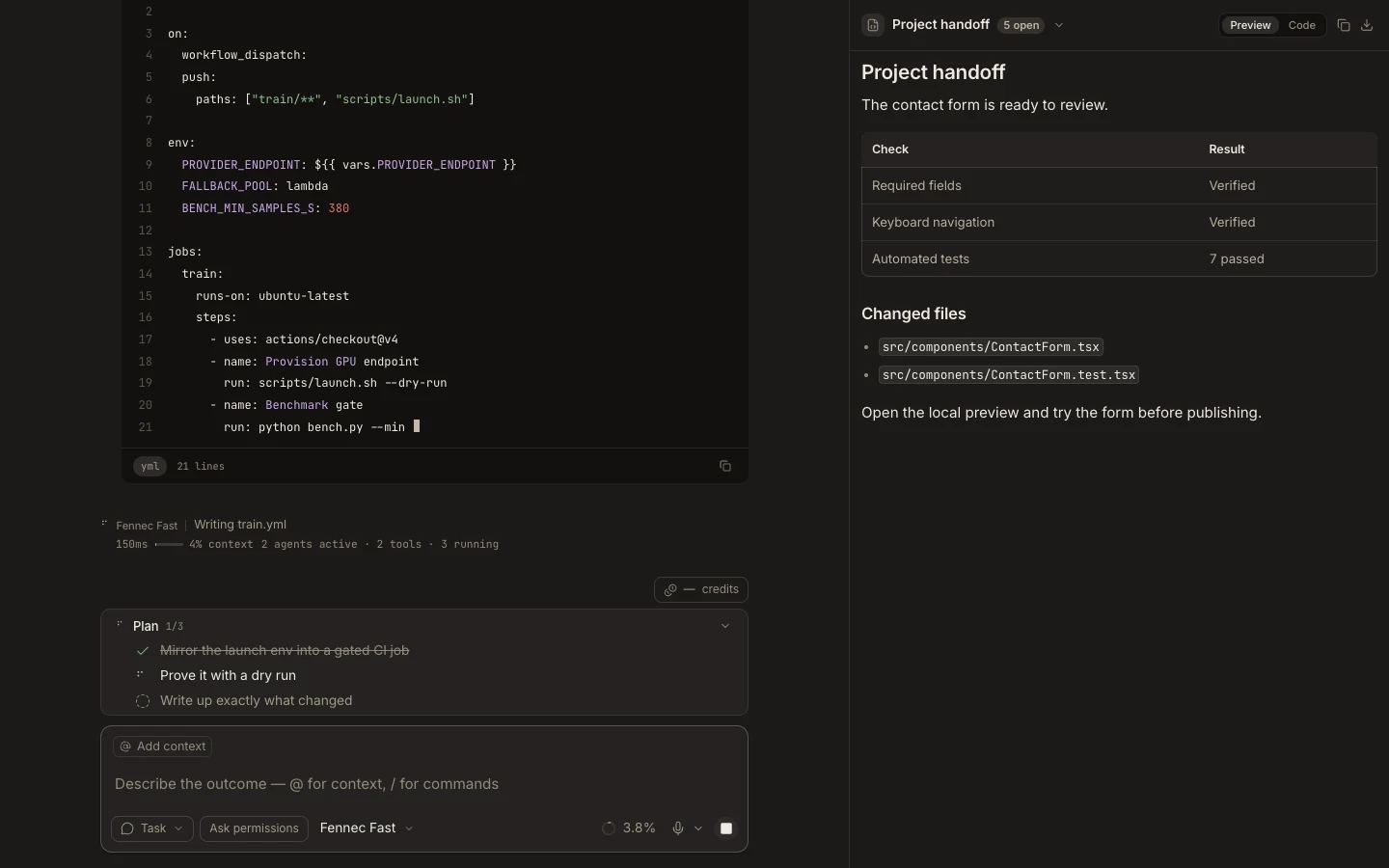
Steps
- Open Stage and select the current surface title.
- Choose an already open surface, or use Open new to launch another supported surface.
- Use surface-specific actions such as Copy, Download, Save, Reveal, or Fullscreen when offered.
- Close only the surface you no longer need; the task transcript remains open.
Expected result
You can move among supporting tools without replacing the active conversation.
Note: The Source Control surface currently shows workspace status only; staging and commit work should use Terminal or an explicit verified task.