
Full Access mode
Full Access is an explicit Desktop-only authority level that can approve actions beyond the workspace after a separate device-local grant.
On this page2
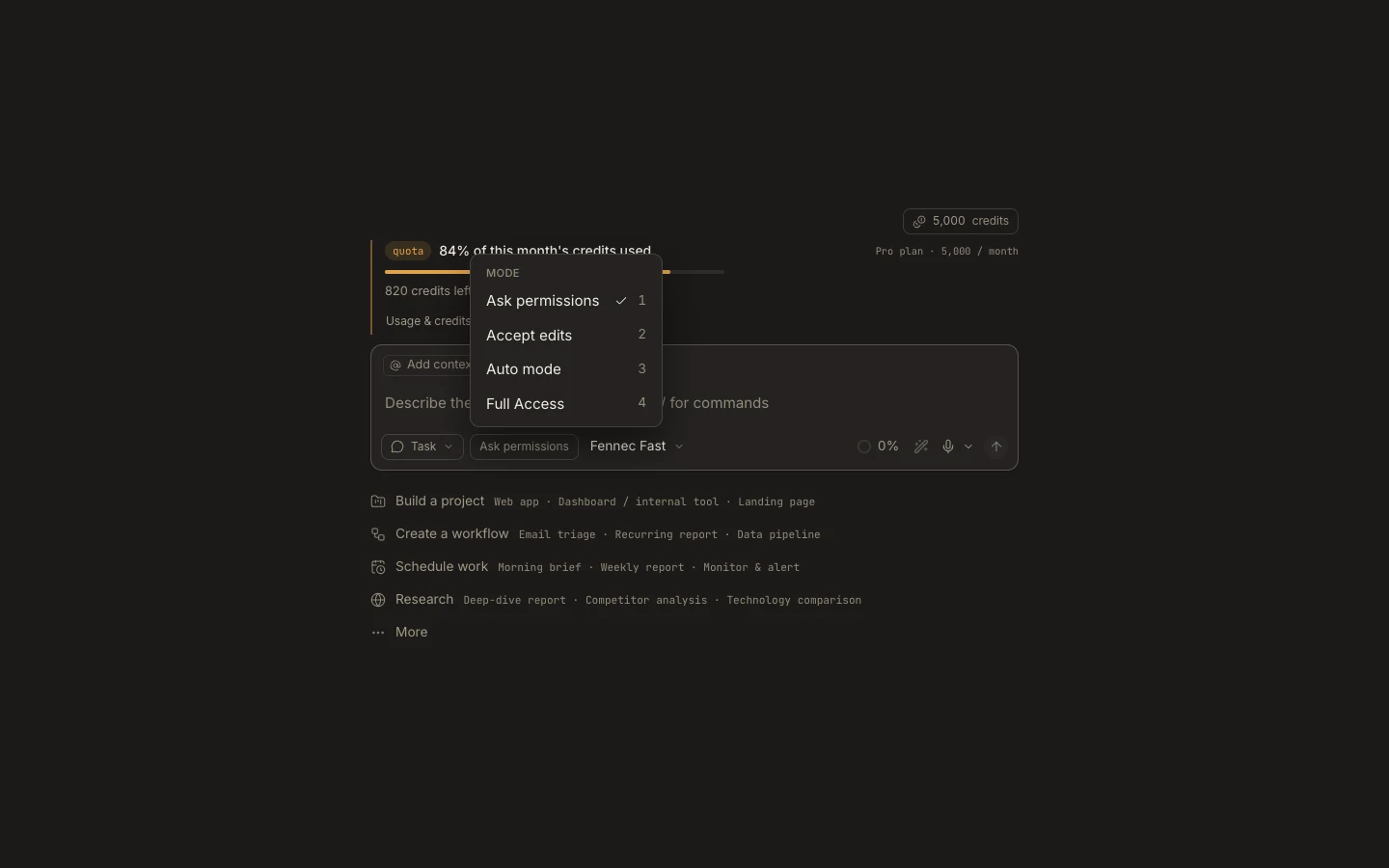
Steps
- Use it only when the outcome genuinely requires access outside the attached project.
- Open the autonomy chip and choose Full Access.
- Review and complete the device-local capability prompt.
- Run the bounded task, monitor its activity, then return the task to a narrower mode.
Expected result
The task can perform supported device actions beyond normal workspace limits without per-action prompts.
Note: Web cannot grant another device Full Access. Hard policy can still refuse protected actions, so this is not an unrestricted security bypass.