
Edit, pause, or delete a schedule
Schedule rows are summaries. Changes happen in the owning workflow canvas.
On this page2
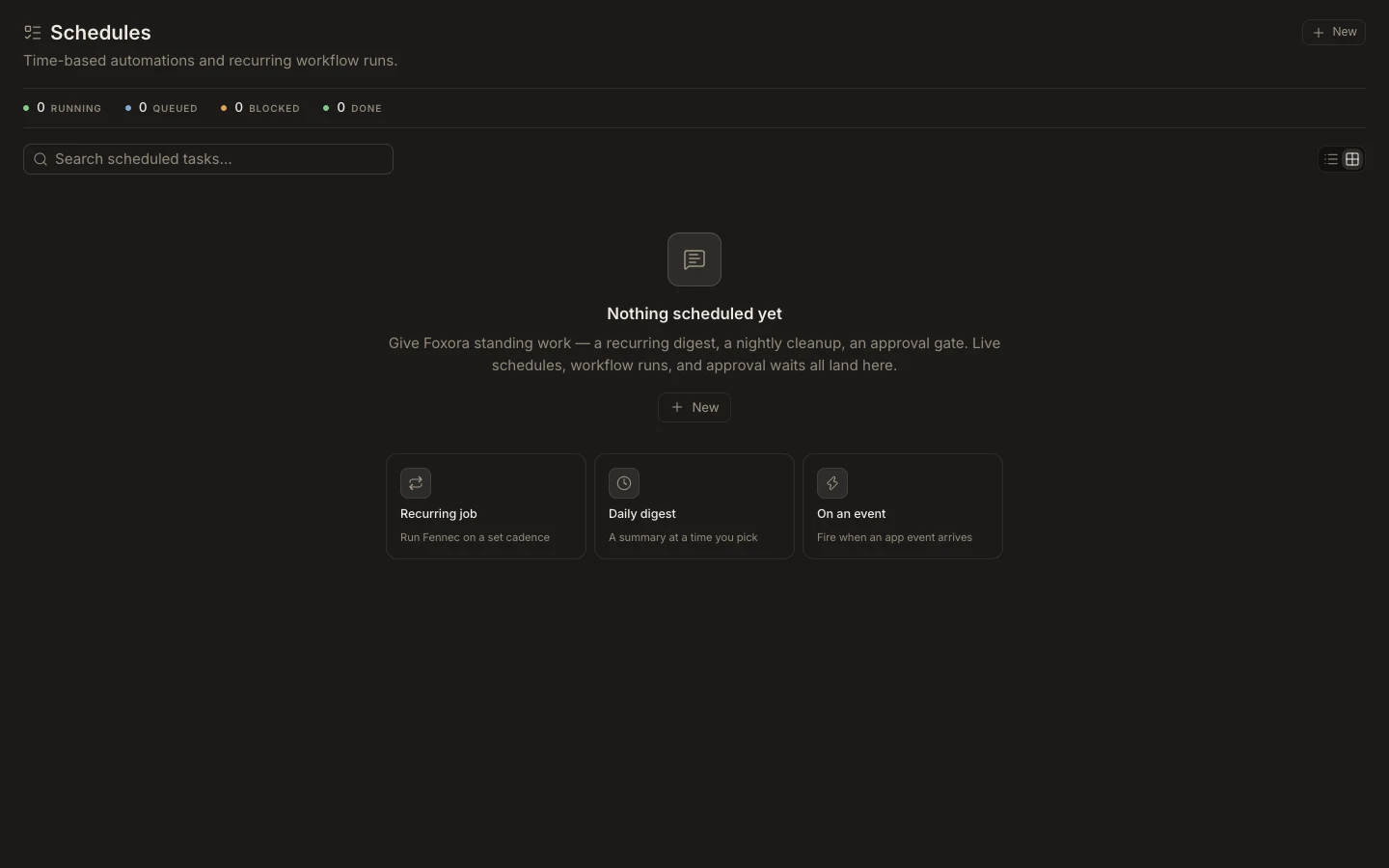
Change scheduled work
- Open
Schedulesand find the item. - Select
Viewor chooseOpen workflow canvasfrom its menu. - Update the schedule trigger, time zone, steps, assignees, or approvals.
- Use the workflow lifecycle action to save, pause, resume, or publish the current draft.
- Use
Deleteonly after reviewing dependent outputs and active runs.
Expected result
The workflow returns to the list with the intended active, paused, or draft state and a correct next-run description. Pausing prevents future starts but does not undo completed external actions; stopping an already running process is handled in Runs.