
Voice settings
Voice settings control spoken input and replies through the Foxora gateway. Availability can depend on the configured gateway, plan, and tracked voice minutes.
On this page2
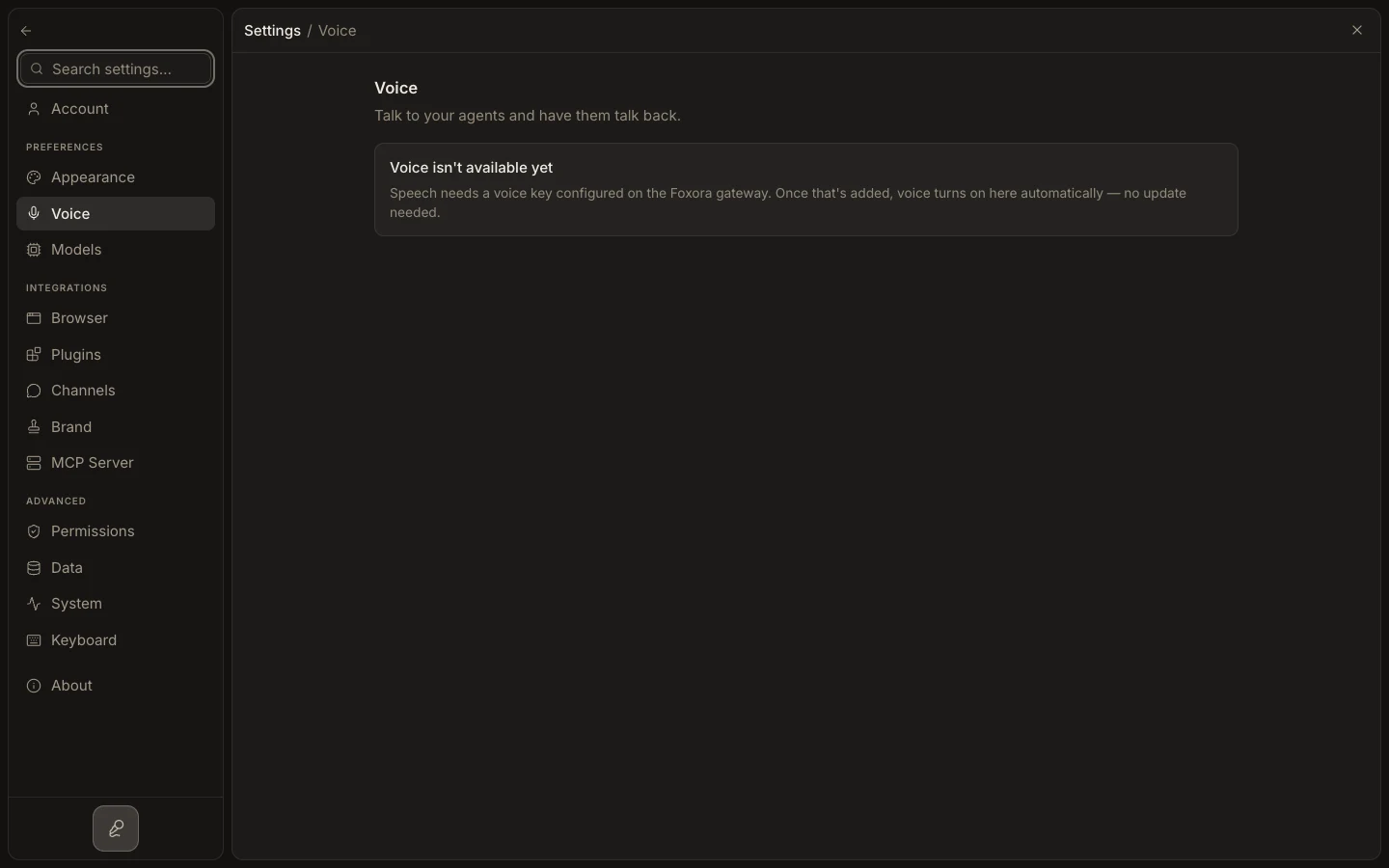
Configure voice
- Open
Settings→Voiceand enableEnable voice. - Choose the voice used for spoken replies.
- Set
Speak replies aloudand the playbackSpeed. - Choose
Push to talkorHands-free; optionally configureSend right away,Noise suppression, and aWake phrase. - Start a short voice exchange and confirm both transcription and playback.
Expected result
Foxora listens and responds according to the saved controls. If the page says voice is unavailable, a gateway voice key must be configured before these controls appear.