
Memory recall in tasks
An agent can use semantic recall, working memory, and long-session compaction according to its saved configuration and the current task scope.
On this page2
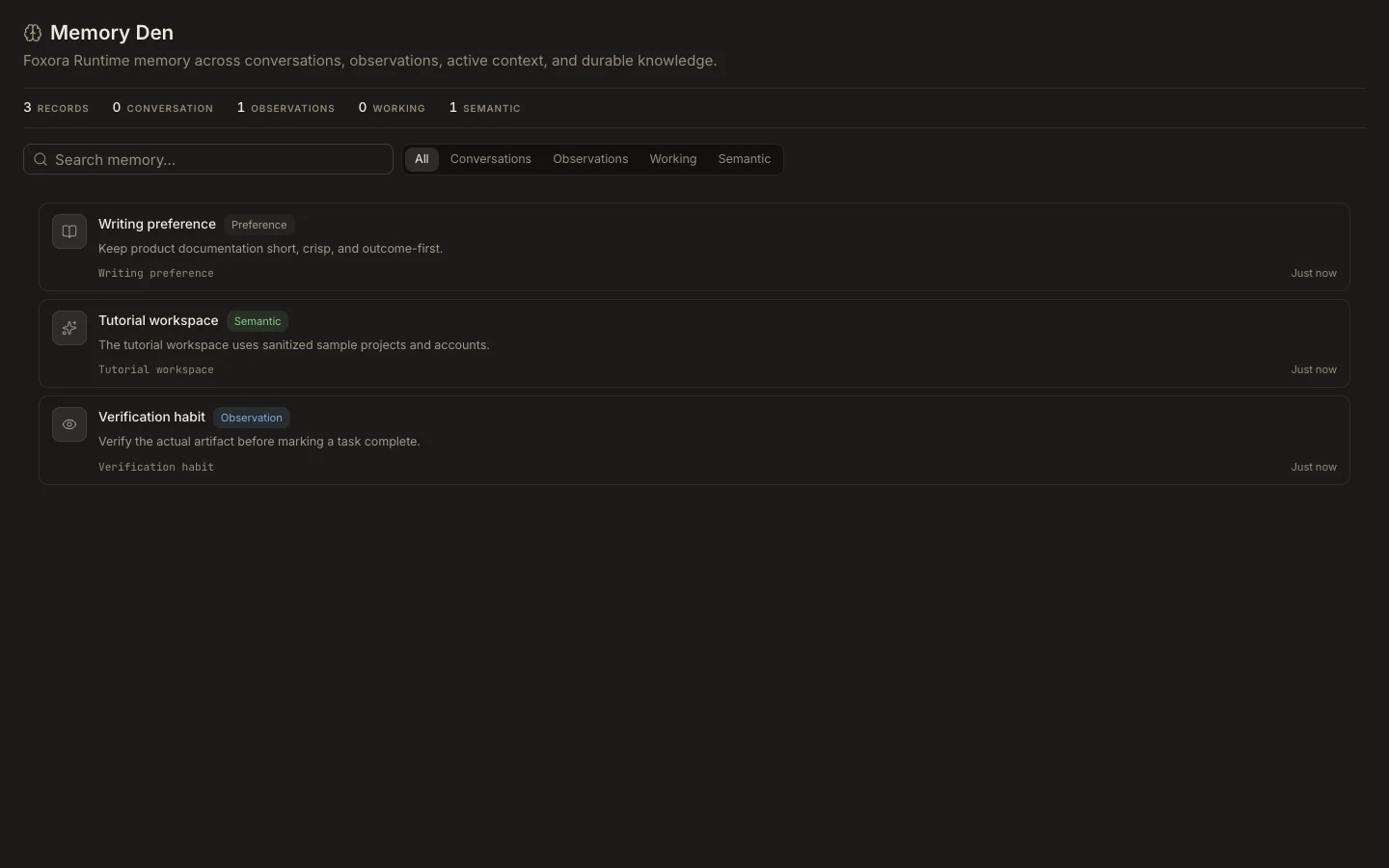
Verify recall
- Review the expected fact in
Studio→Memoryand check its wording and scope. - Open the custom agent’s
Permissionssection. - Confirm the memory preset,
Semantic recall,Working memory, compaction, andThis sessionorThis userscope. - Start a new task and ask a narrow question that should use the fact.
- Compare the answer with the source rather than assuming recall makes it correct.
Expected result
The agent uses relevant retained context and avoids unrelated memory. If recall is missing or wrong, inspect the agent’s scope and the source record before expanding access or repeating sensitive details.