
Command Center
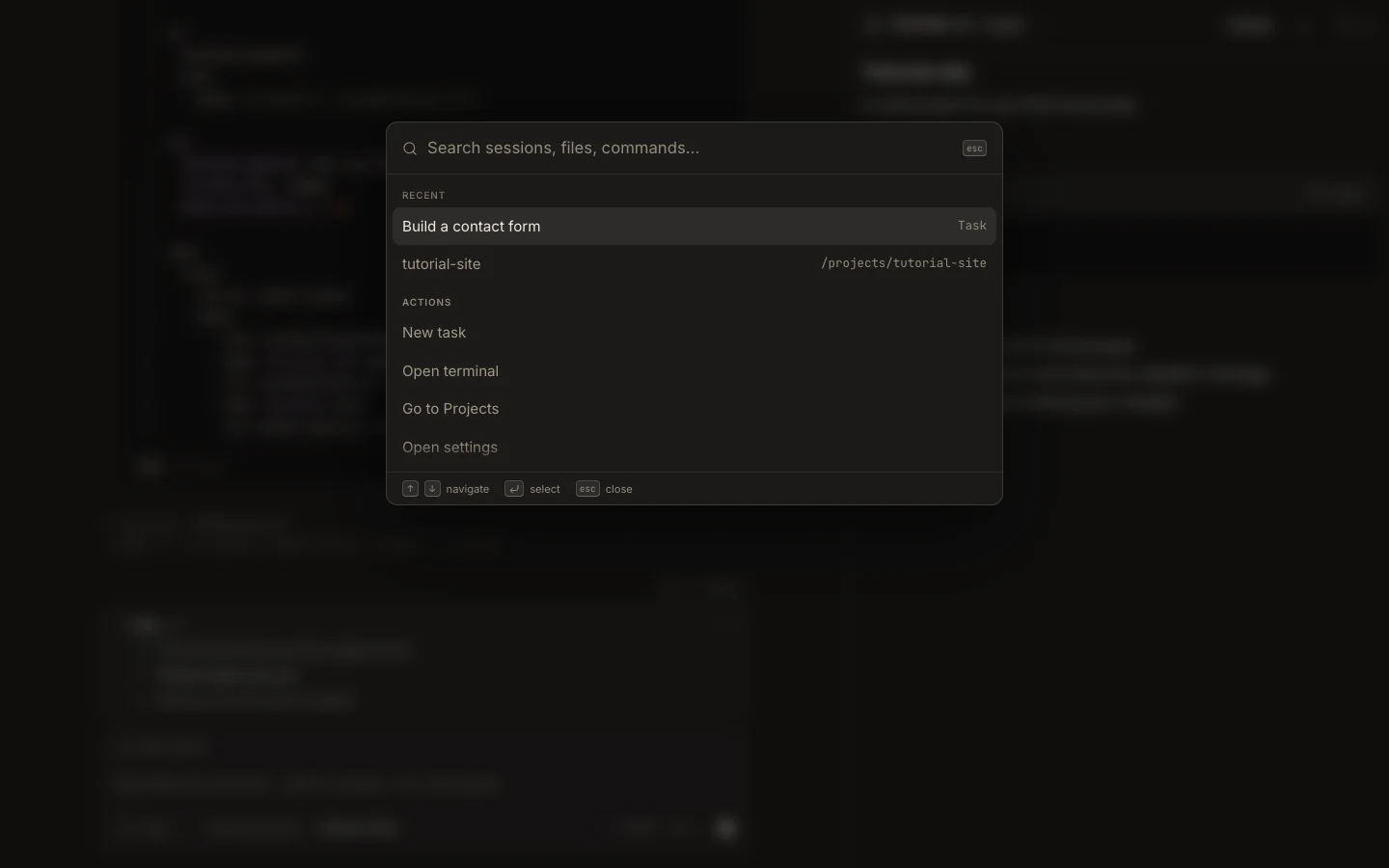
Command Center is the fastest searchable route to Foxora actions, navigation, settings, and project commands.
On this page2
Steps
- Press Command/Ctrl+K to open Command Center.
- Type part of an action such as “new task,” “open terminal,” “projects,” or “settings.”
- Use the arrow keys to highlight the intended result.
- Press Enter to run it, then confirm that the expected screen or surface opened.
Expected result
Foxora executes the selected registered action without requiring you to find it in a menu.
Note: Search results depend on the current platform and context, so unavailable device-only actions are not offered on Web.