
Test a skill
Skills do not have a standalone run button. Test a managed playbook through an agent that can load it and already has the required capabilities.
On this page2
Run a representative check
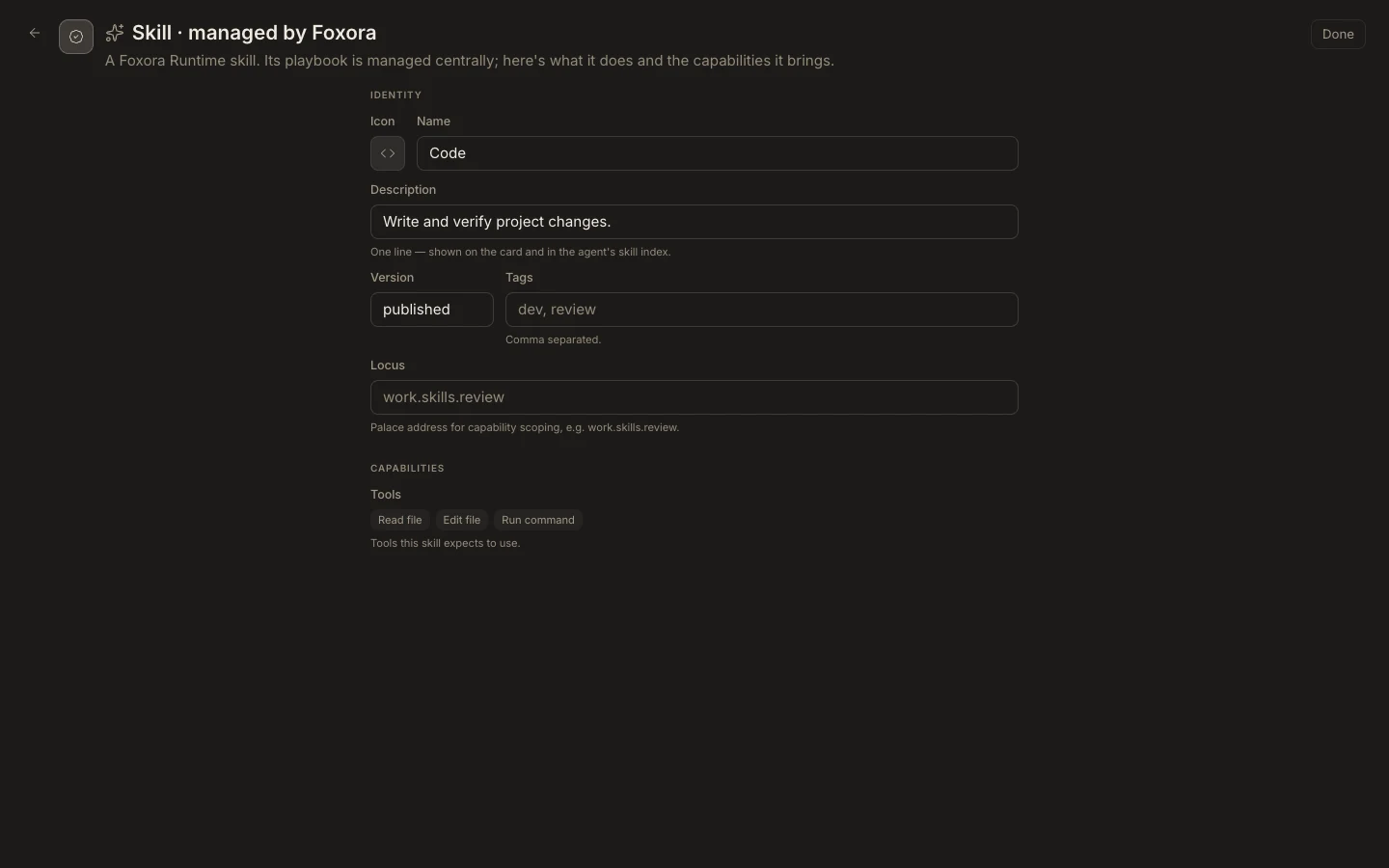
- Open the skill and note its Description and expected Tools.
- Assign it to a custom agent from the agent's
Permissionssection. - Confirm that agent also has the required filesystem, network, browser, device, and tool access.
- Start a fresh task whose request clearly matches the skill's trigger.
- Inspect approvals, tool results, and the final verification, then run one unrelated prompt as a control.
Expected result
The agent loads the skill only when relevant and completes the expected method without gaining extra authority or exposing the managed playbook body.