
Creating and editing files
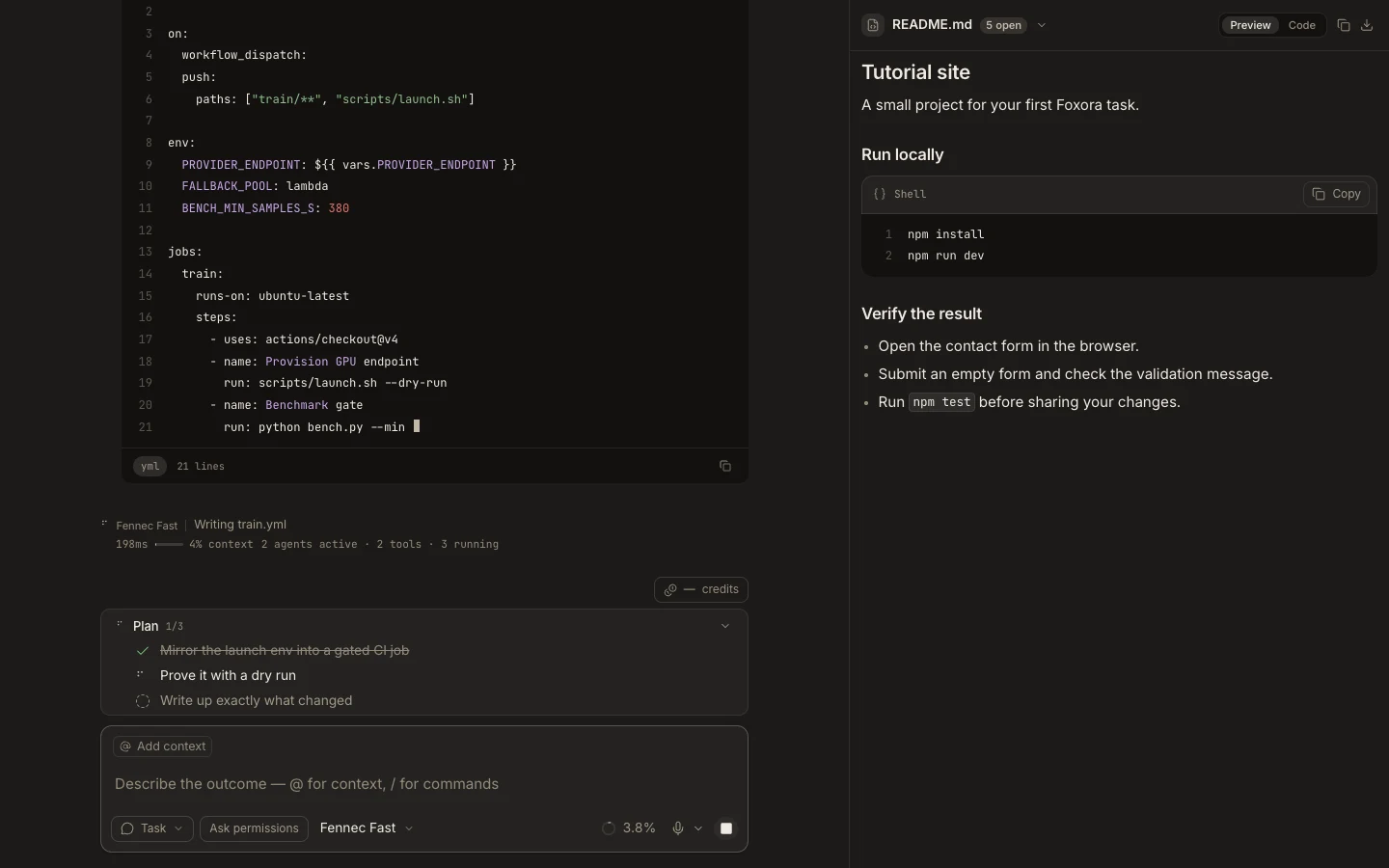
The Files tree and editor support new files, folders, direct edits, formatting, word wrap, and explicit saves.
On this page2
Steps
- Open a folder’s context menu and choose New file or New folder.
- Name the item and open the file in an editor tab.
- Edit the content; the tab’s dirty indicator marks unsaved changes.
- Format or toggle word wrap if needed, then save and run the relevant check.
Expected result
The saved file appears under the selected project folder and its editor tab no longer shows an unsaved state.
Note: When both you and an agent edit the same file, your unsaved buffer takes precedence; review before overwriting either version.