
Web App and Cloud overview
Foxora Web provides tasks, cloud files, Git projects, a real workspace terminal, and downloadable artifacts without installing Desktop.
On this page2
Steps
- Open Foxora Web in a current browser and sign in.
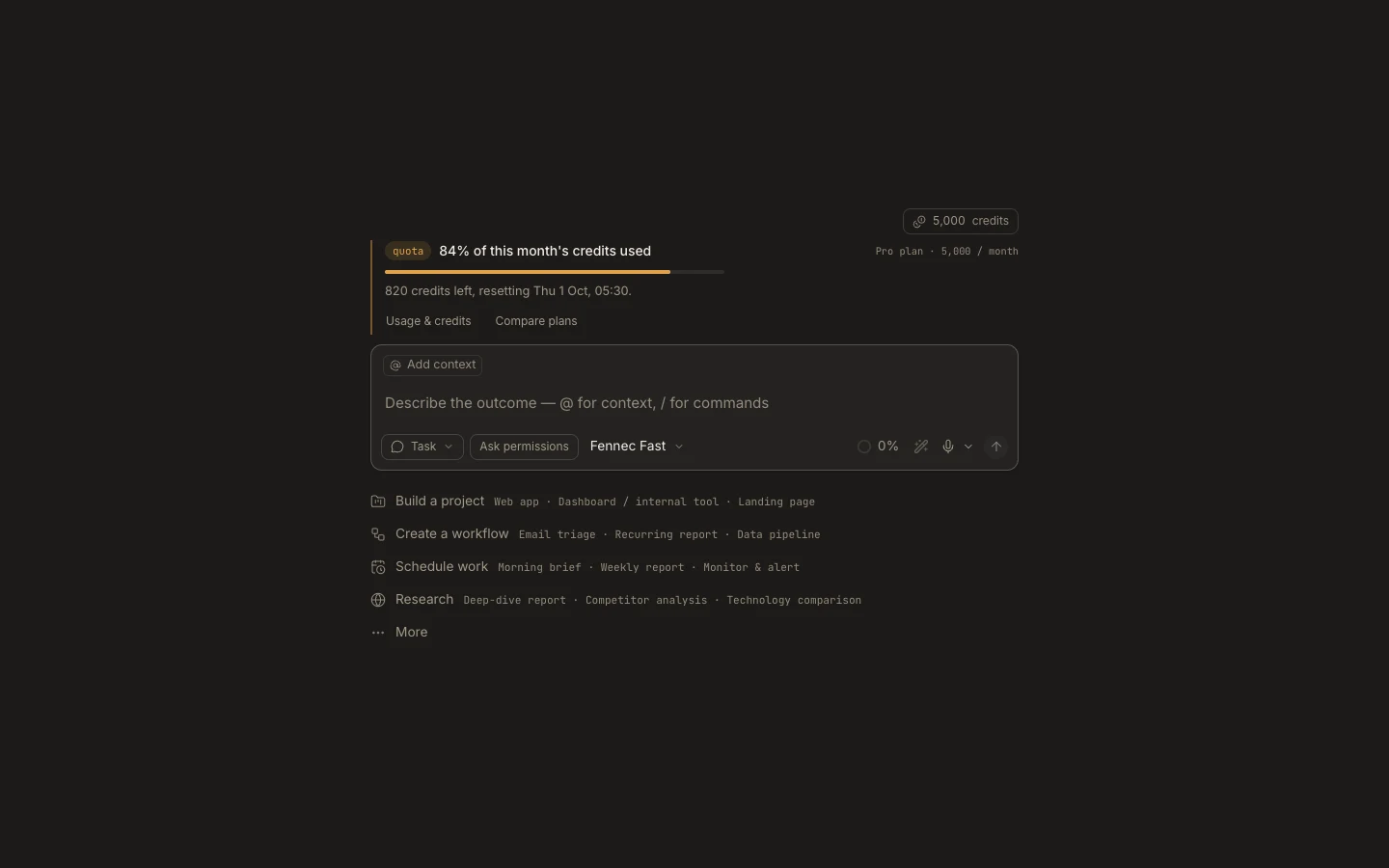
- Create a task; Web selects Cloud automatically.
- Clone a project or use the task’s private managed workspace.
- Run the request, inspect its transcript and Files, then download or commit the result.
Expected result
You can complete and verify a file-based task entirely in the browser against one cloud workspace.
Note: Use Desktop for local filesystem access, operating-system permissions, and device-only tools.