
Overview
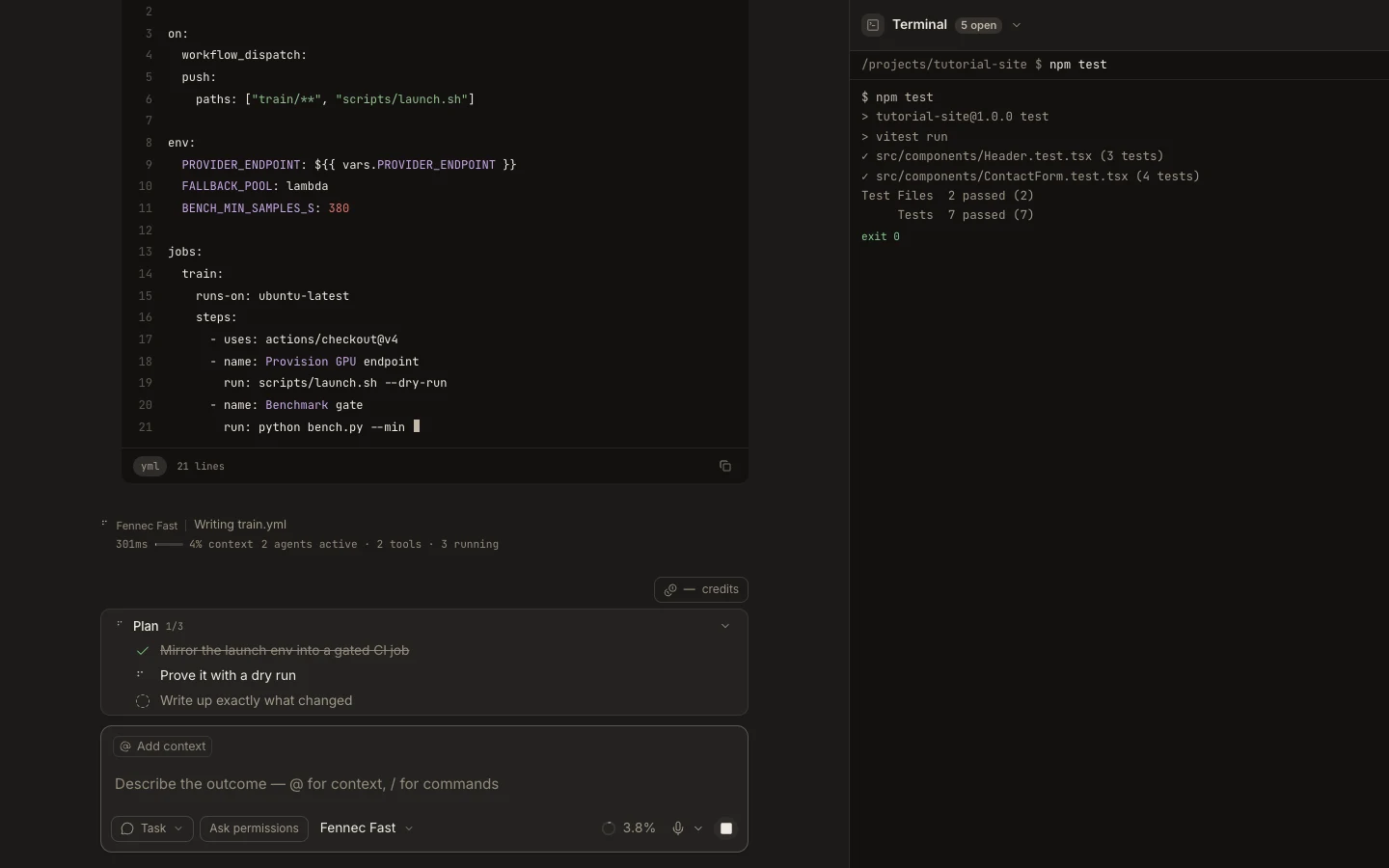
Terminal in the full Desktop or Web runtime is a real interactive shell rooted in the selected project or managed cloud workspace.
On this page2
Steps
- Open Terminal from Stage, Command Center, or the workspace launcher.
- Run pwd or the platform equivalent and confirm the expected project root.
- Execute a small read-only command before any mutation.
- Keep output visible while you verify files, services, or tests in the task.
Expected result
Commands execute in the intended workspace and their output remains available in the terminal tab.
Note: When a terminal runtime is not injected, the generic Stage surface degrades to read-only streamed command output instead of pretending to be interactive.