
Creating and opening projects
A project gives a task a stable file root, whether you select an existing local folder or clone a Git repository.
On this page2
Steps
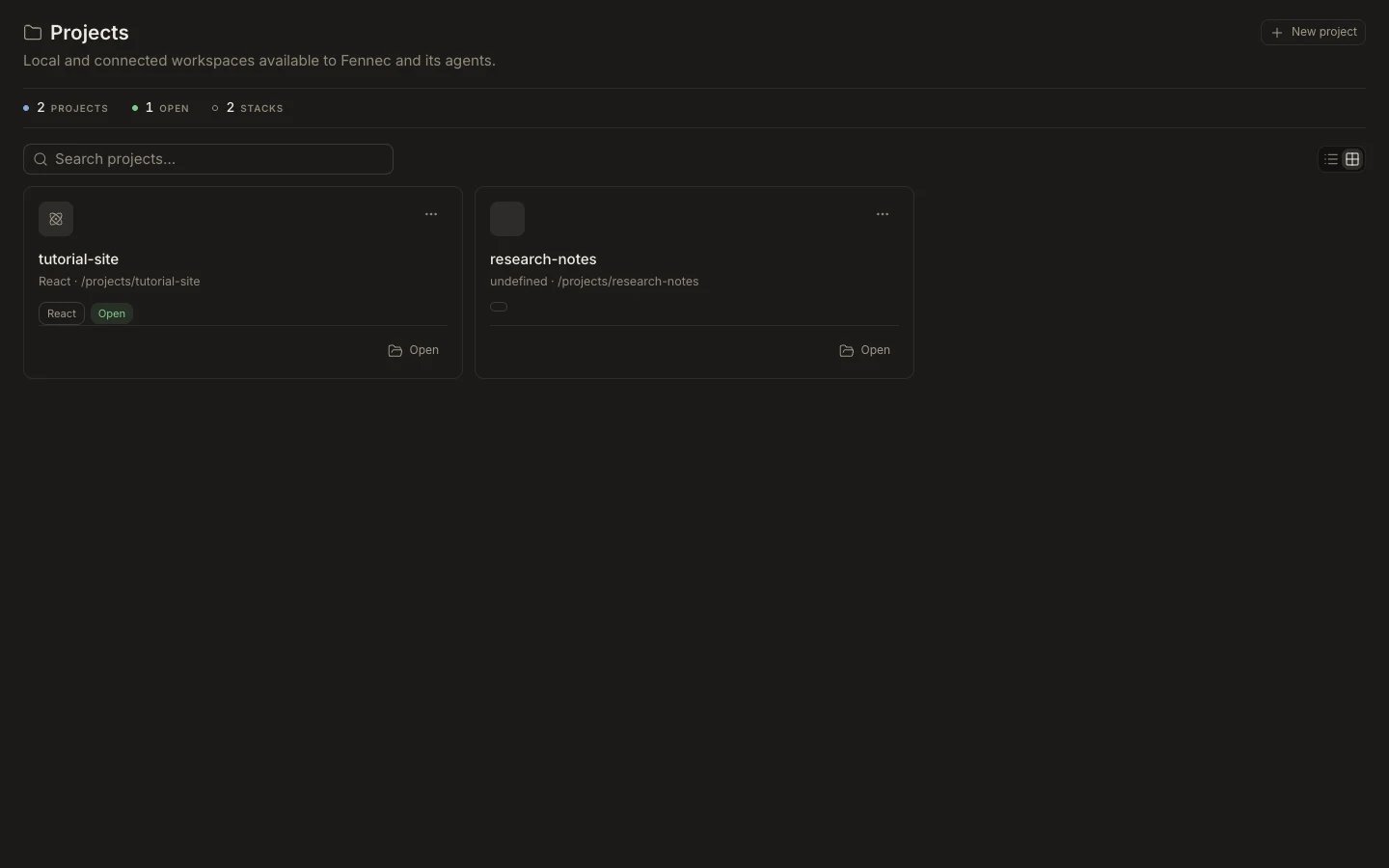
- Open Projects and choose New project.
- On Desktop, select an existing folder; on Web, choose a repository to clone into the cloud workspace.
- For a Git URL, choose Clone repository and provide the authenticated or public URL.
- Open the project and verify its name and root before starting file changes.
Expected result
The project appears in Projects and can be attached to the active task.
Note: Desktop does not create an empty scaffold here; select or create the folder with the operating-system picker first.