
Managing tasks
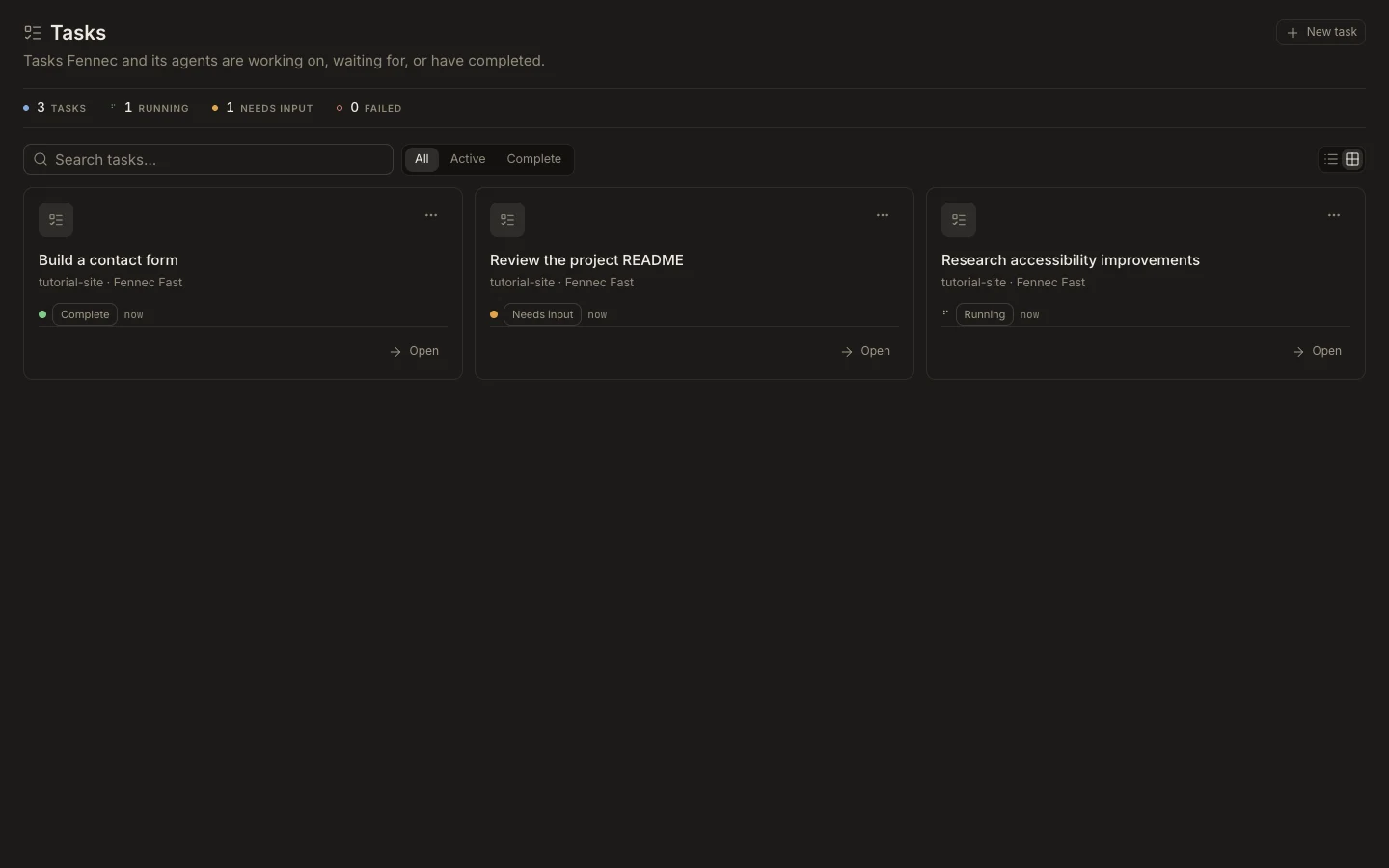
The Tasks view combines search, status, grouping, settings, and lifecycle actions for every task you can access.
On this page2
Steps
- Open Tasks and search by task title or project path.
- Use status groups such as Needs attention, Today, or Older to find the right work.
- Open a task’s menu for Stage, rename, pin, settings, archive, or delete actions.
- Open Settings on the task to review its overview, memory, project options when supported, and danger actions.
Expected result
You can locate the task, understand its state, and apply the intended management action without changing unrelated work.
Note: Delete is destructive; archive is the safer choice when you may need the transcript again.