
Overview
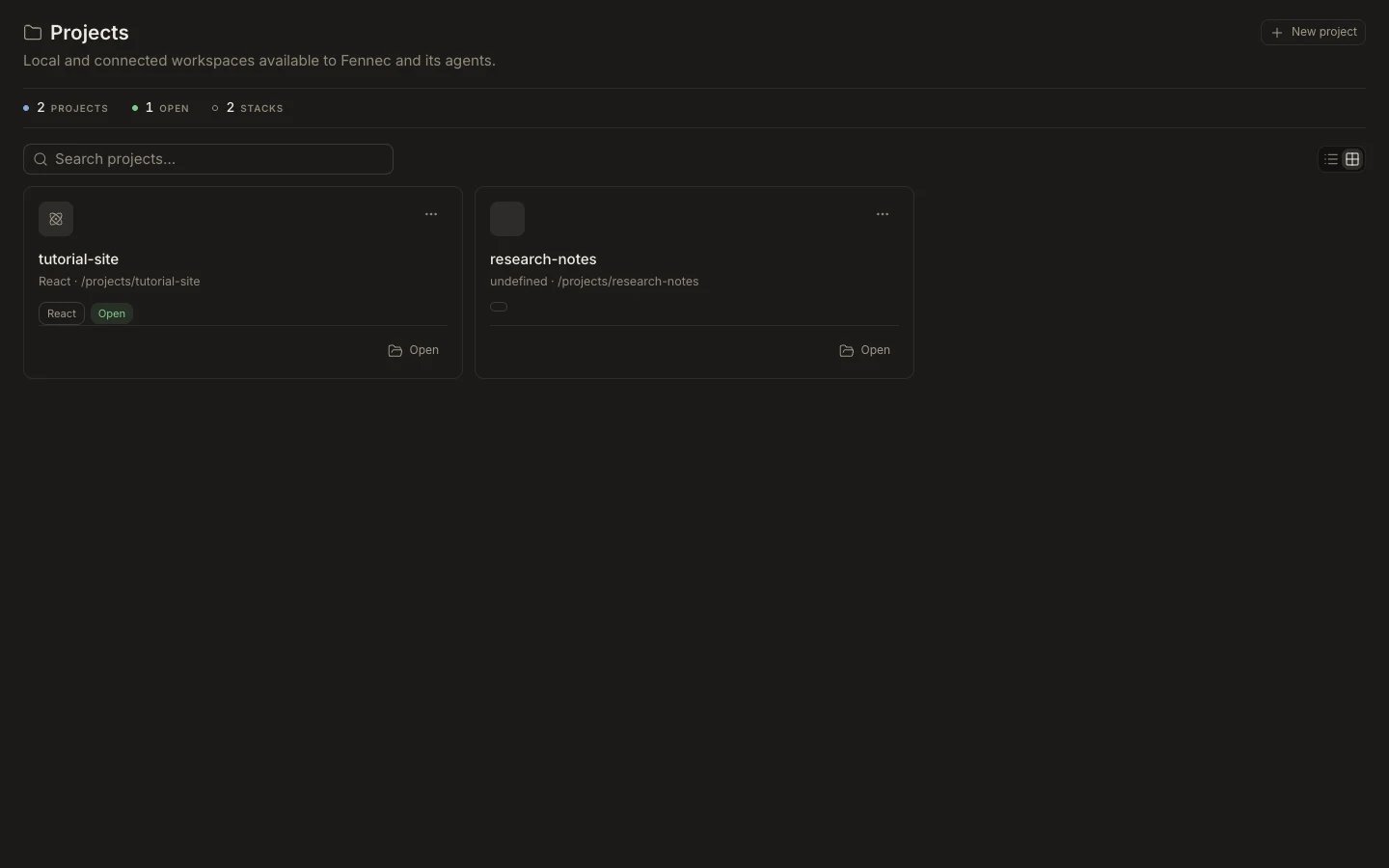
Projects connect tasks to durable files, project instructions, environment settings, indexing, and optional Git information.
On this page2
Steps
- Open or clone a project from Projects.
- Attach it to the active task from the project control near the composer.
- Open Files to confirm the expected root, branch, and contents.
- Use Project settings for rules, environment, indexing, workspace, and permissions.
Expected result
The task’s project chip and Files view point to the same workspace, and Fennec receives that project’s context.
Note: Simply browsing a project does not bind it to the task; attach it explicitly before requesting edits.