
Choose permissions and Fennec
Set the right approval level and choose Fast, Pro, or Max for the work.
On this page3
Set how often Studio pauses, then choose the processing tier for the task.
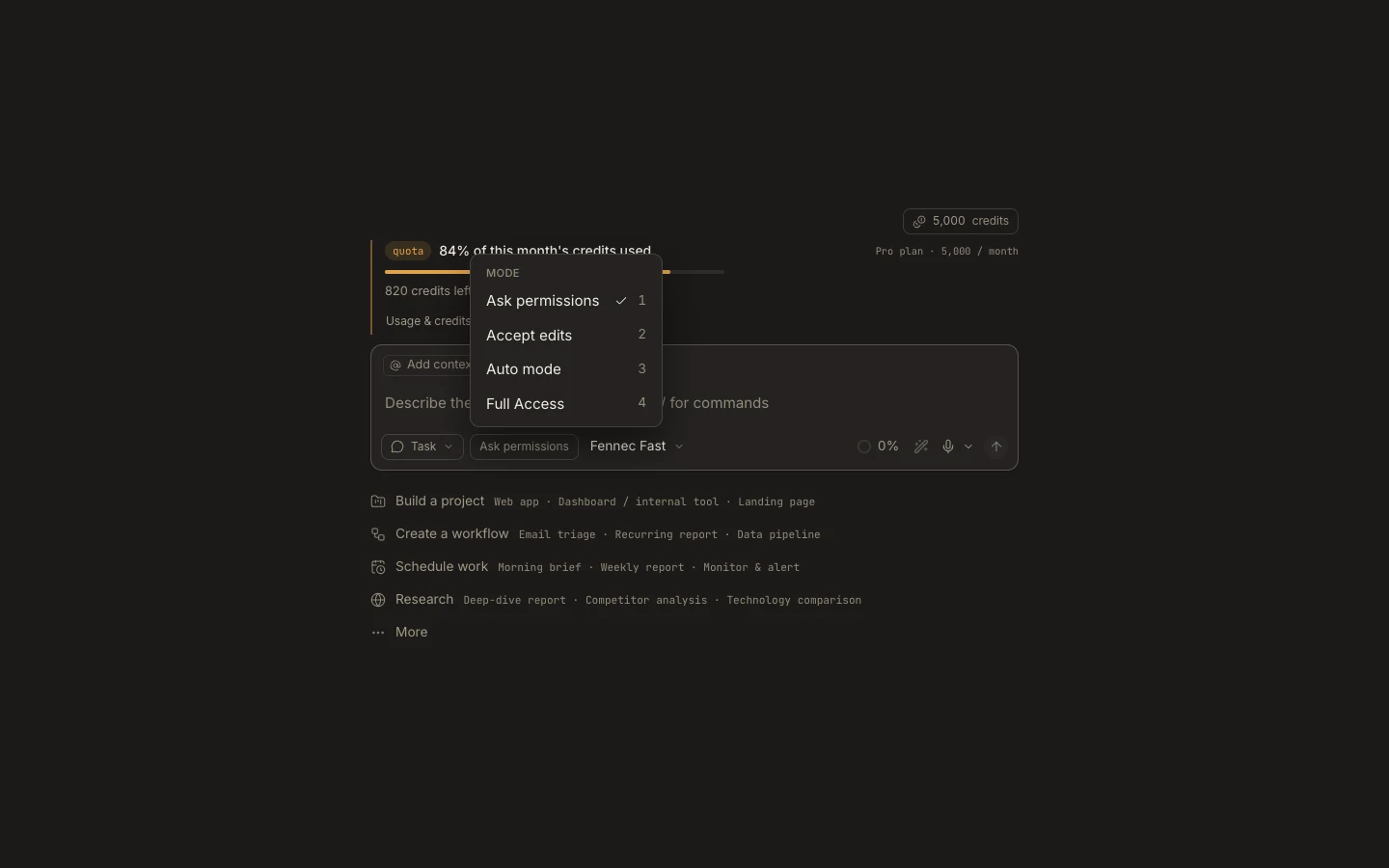
Permissions
- Use
Ask permissionsfor unfamiliar projects or actions. - Use
Accept editswhen file changes are expected but commands still need review. - Use
Auto modefor trusted, bounded work you can verify. - Reserve
Full Accessfor controlled environments where unrestricted actions are intentional.
Fennec
Fennec Fasthandles everyday work quickly.Fennec Proadds stronger reasoning for multi-step work.Fennec Maxis for the hardest builds and analysis.
Your plan determines which tiers are available. A custom crew may also appear in the same picker.
You are done when
The two controls under the prompt show the intended permission mode and Fennec tier before you press Send.