
Viewing usage
Review usage from Studio, the account dashboard, or the CLI and compare the same account before investigating a change.
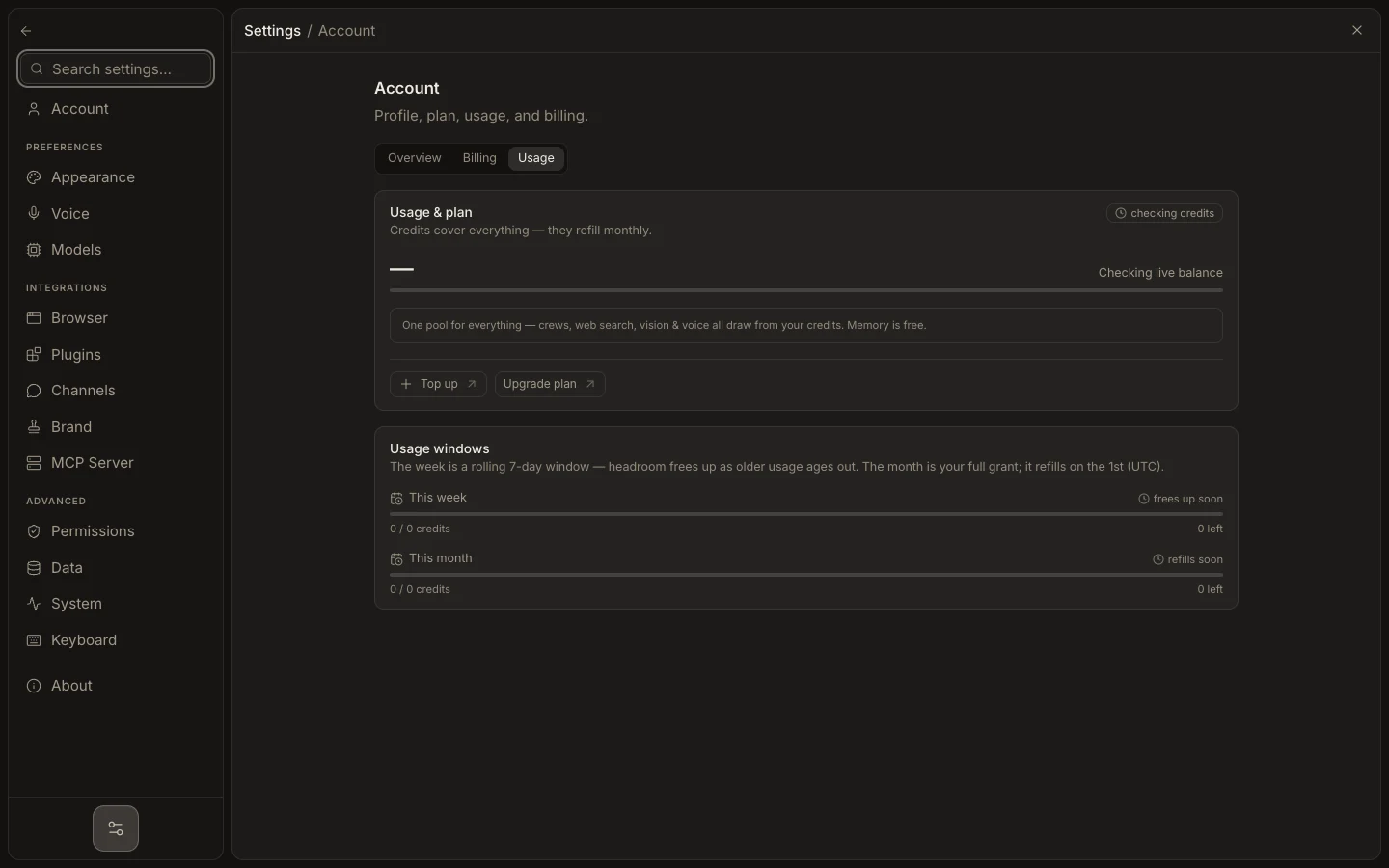
- In Studio, open Settings → Account → Usage for credits and rolling windows.
- In the hosted dashboard, open Usage for recent request activity and capability counters.
- In a terminal, run
foxora usagefor the signed-in CLI account. - Check the displayed email first if two surfaces disagree.
- Refresh after a completed run; usage updates are recorded by the service.
Use the request timeline to find when consumption changed, then compare that period with agent runs, voice, vision, search, or automated work. Provider dashboards remain the source for BYOK charges.
Expected result: the chosen surface shows current credit or activity data for the intended account and a visible reset or reporting window.