
Configure chatbot behavior
Core behavior belongs to the Bot agent; website-specific voice and presentation belong to the Chatbot crew.
On this page2
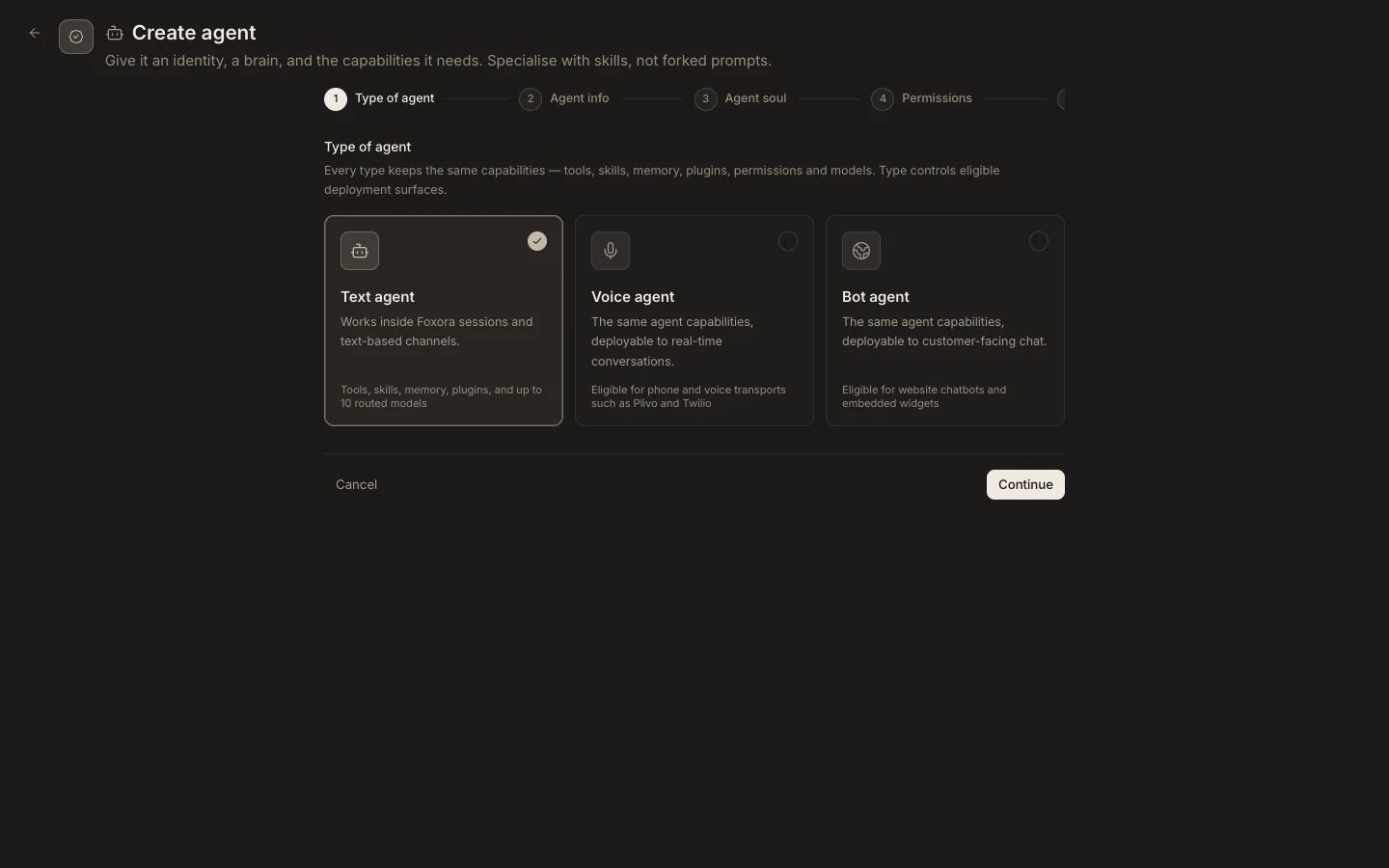
Set the two layers
- Open the Bot agent and define its description,
Agent soul, managed role, memory, and action permissions. - Assign only tools, skills, and plugins appropriate for external conversations.
- Open its Chatbot crew and set the deployment
Purpose. - Add website-only
Instructionsfor tone, escalation, and boundaries without duplicating the agent’s full prompt. - Review the Branding and Deployment fields before saving.
Expected result
The agent keeps one reusable operating identity while the website deployment adds only channel-specific guidance. A test visitor receives the intended tone, and requests outside the configured scope are refused, clarified, or escalated.