
Working in an authenticated browser session
My Chrome uses Foxora Connect to work in tabs and accounts you explicitly approve, while you remain able to pause and interact directly.
On this page2
Steps
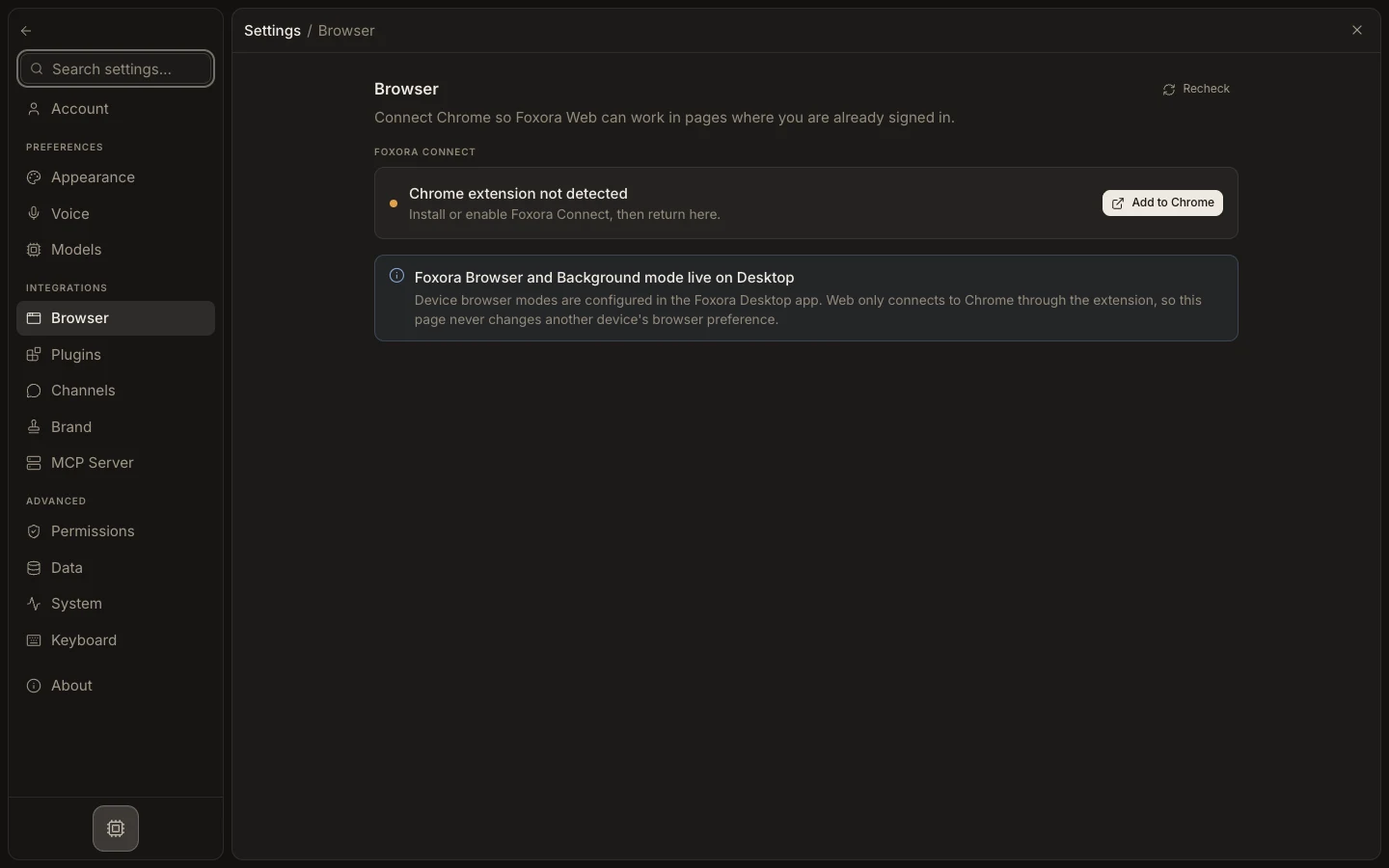
- Connect My Chrome in Settings → Browser and approve the intended tab through Foxora Connect.
- Confirm the active account and ask Fennec to perform only the bounded steps.
- Tell Fennec to wait or stop the run before a login challenge, secret, or final confirmation.
- Complete that step directly in Chrome, then send a clear instruction to resume.
Expected result
Foxora continues from the same approved signed-in browser context after your manual step.
Note: There is no dedicated Take over button; stopping or pausing the task is the explicit handoff.