
Updating billing information
Use the secure billing portal to change payment or billing details, then verify the next invoice destination and account state.
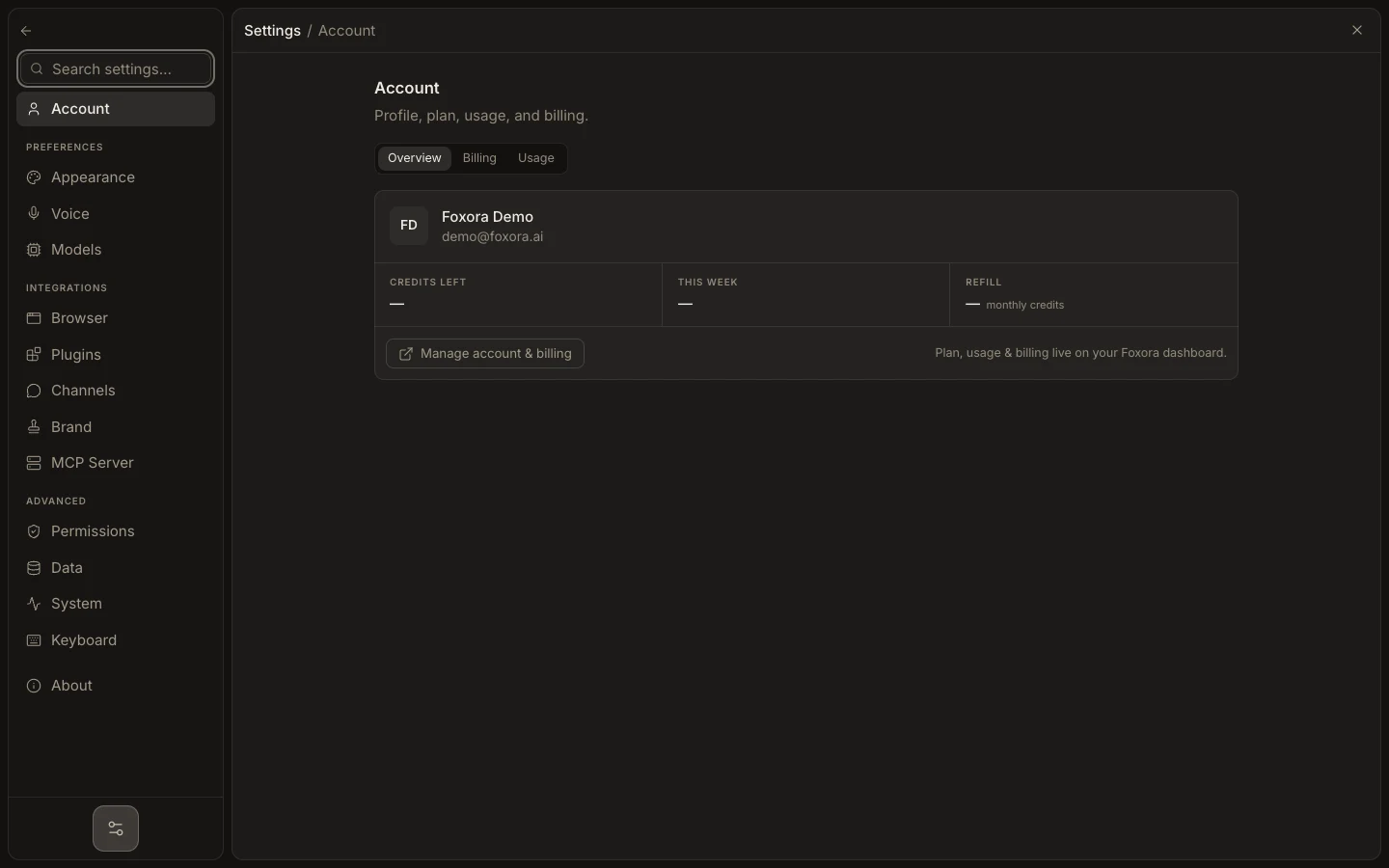
- Sign in at account.foxora.ai and open Plans & billing.
- Choose Manage billing to enter the hosted billing portal.
- Select the payment method or billing-information control you need.
- Save the change and complete any verification requested by the payment provider.
- Return to Foxora and open Invoices or refresh Plans & billing.
Never send full card details, authentication codes, or billing-portal links in a support message. If the portal does not open, preserve the visible error and contact support from Settings → About.
Expected result: the billing portal shows the updated method or details, and Foxora continues to show the correct active subscription.