
Understanding credits
Treat Foxora credits as the managed-service allowance shown to your account, not as a direct count of model tokens.
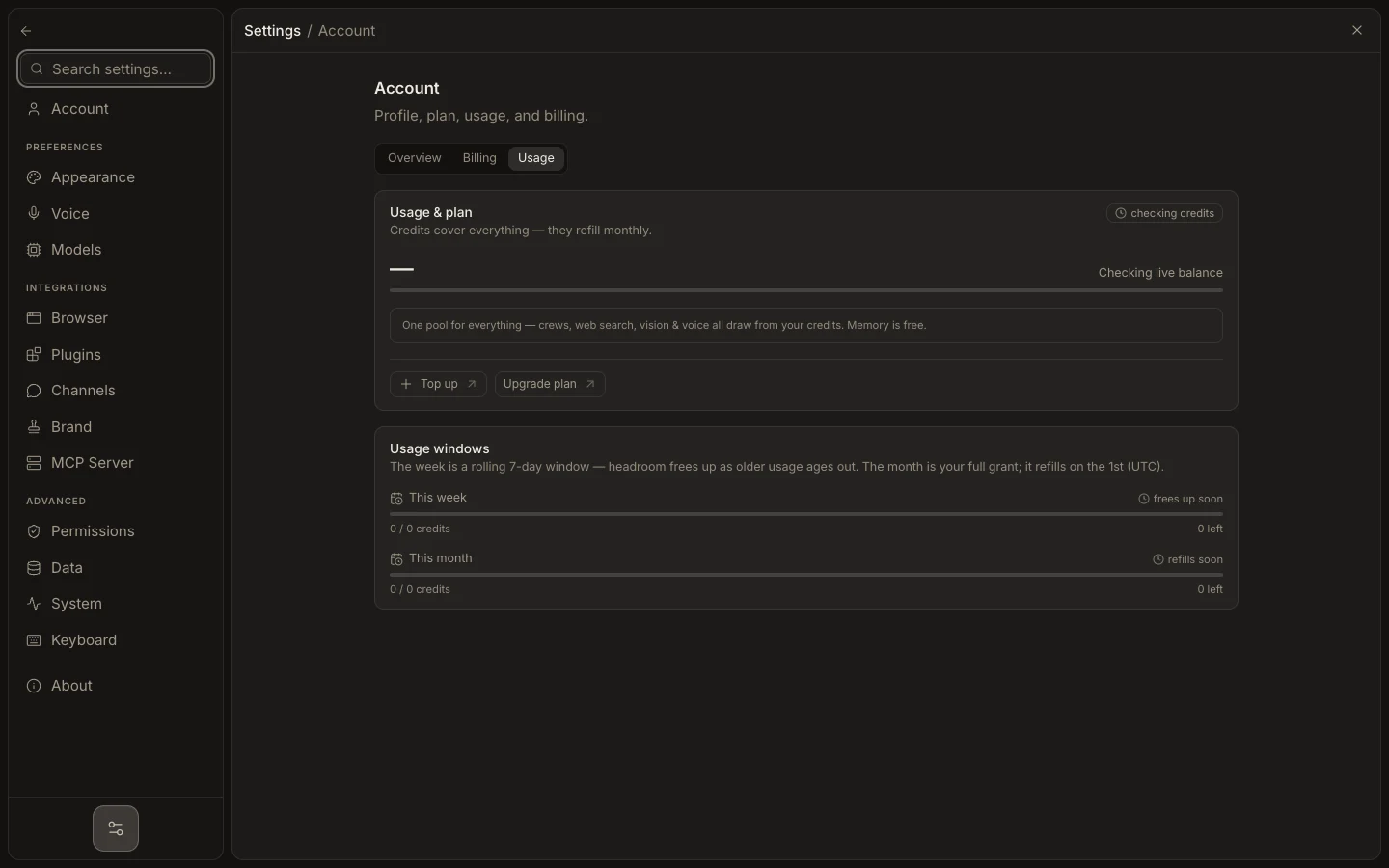
- Open Settings → Account → Usage to see credits used, remaining, and refill timing.
- Check both monthly allowance and any rolling weekly window before a large run.
- Compare recent activity with the agents, tools, voice, vision, or browser work you used.
- If you configured your own provider key, check that provider’s billing separately; BYOK charges are not Foxora credits.
Credit deduction is calculated by the service from the work performed. Model tokens may appear in diagnostic or account analytics, but they are not a second customer balance.
Expected result: you can explain whether the next run uses Foxora-managed credits or an external provider account and see the relevant remaining allowance.