
Overview
Use one Foxora account across Studio, the account dashboard, and the CLI while keeping device-local work separate from account access.
Account checklist
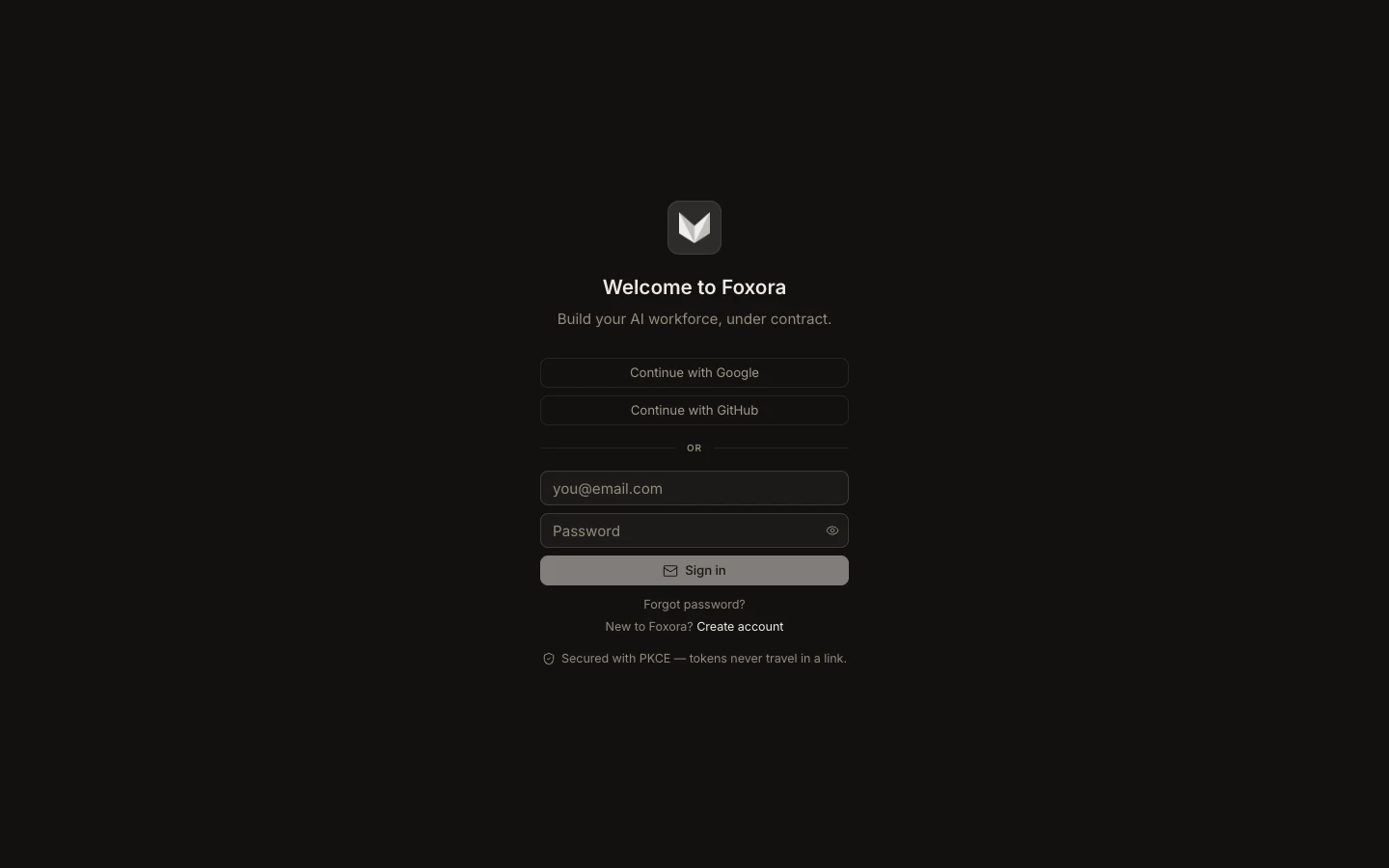
- Create the account with Google, GitHub, or email and password.
- Sign each Foxora surface in with the same identity.
- Open Account → Security & sessions to review the sign-in method and active devices.
- Revoke devices you no longer control and reset the password after suspected exposure.
- Export important data before deleting the account or clearing a device.
Signing in shares account, plan, and authorization state. It does not automatically copy local projects, task history, or conversation memory between devices.
Expected result: every active client shows the intended email address, and the Devices page contains only sessions you recognize.