
Creating an account
Create a Foxora account from the hosted account page or Studio, then verify the identity before starting work.
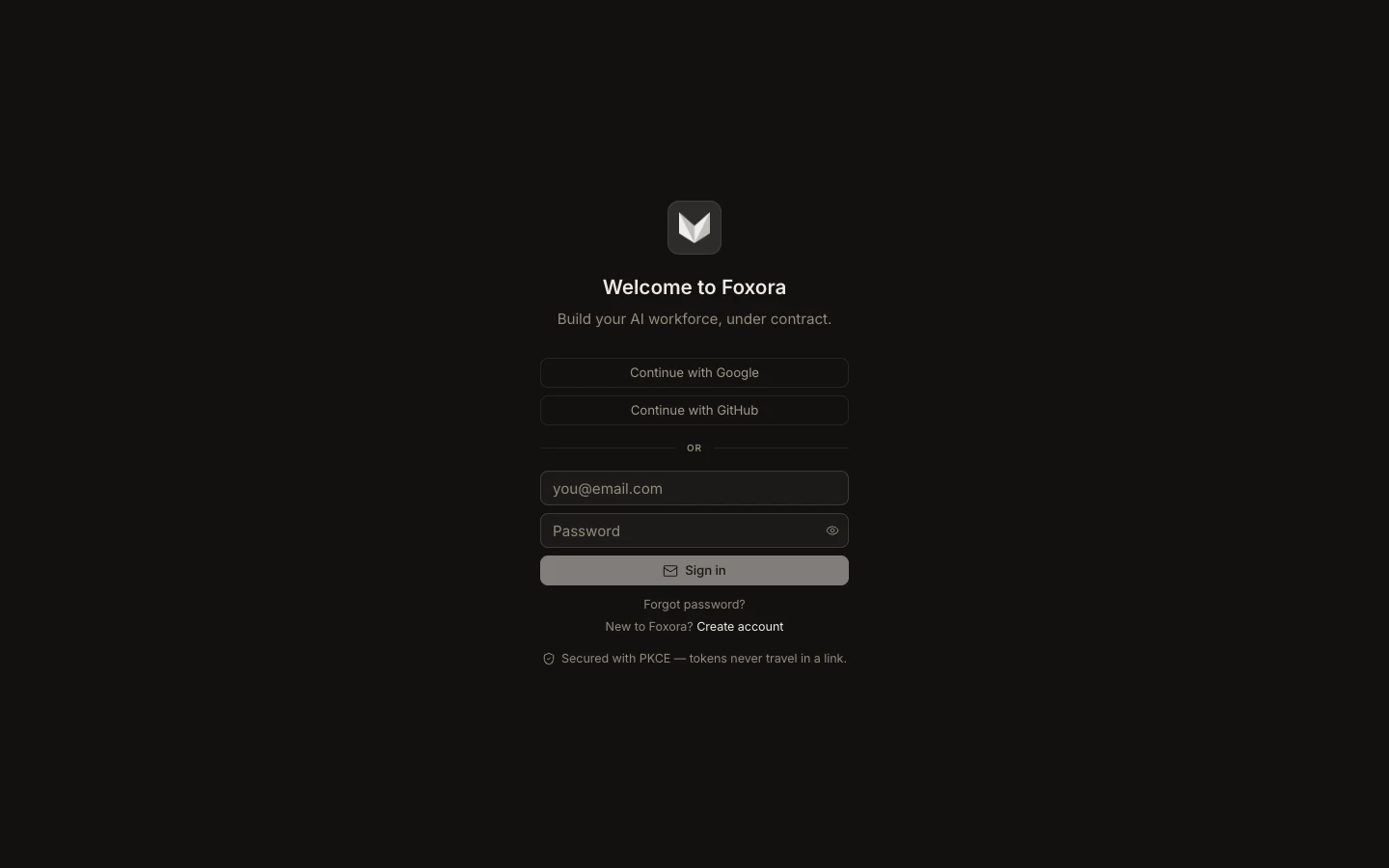
- Open account.foxora.ai or choose Create account on the Studio sign-in screen.
- Continue with Google or GitHub, or enter your name, email, and a password.
- If Foxora asks for email confirmation, open the newest message and complete that link.
- Sign in, then open Profile & preferences to confirm the name and email.
- Use the same account when signing in to Desktop, Web, or the CLI.
New accounts begin with the plan shown by the live account dashboard; plan names and allowances can change, so review Plans & billing there.
Expected result: the account dashboard opens under the intended email and displays the current plan.