
Uninstalling and resetting Foxora
Uninstalling the app and resetting a preference are different actions; neither should be treated as deletion of your projects or cloud account.
On this page2
Steps
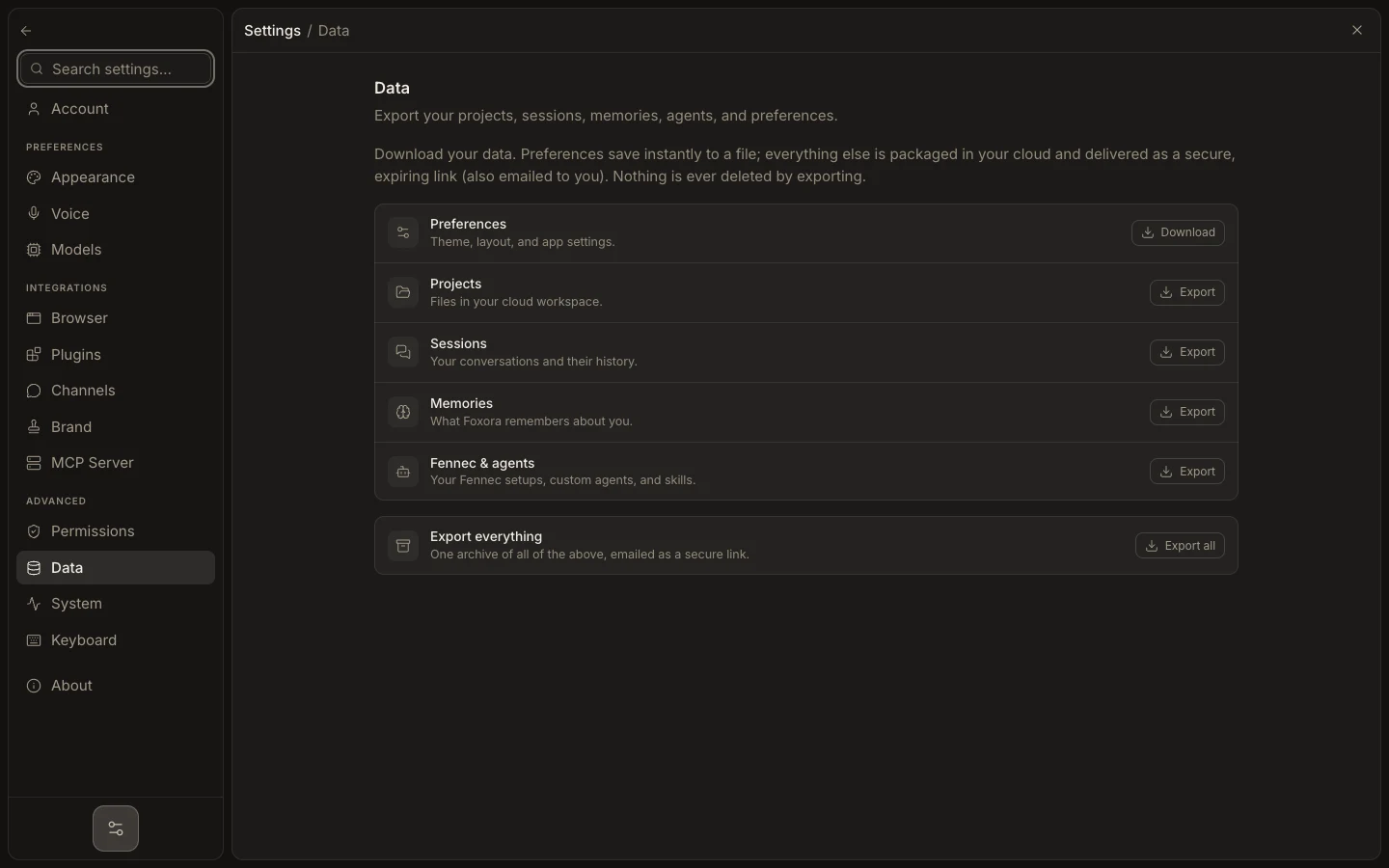
- Export any data you need from Settings → Data and copy important project files elsewhere.
- Close running tasks and terminals, then quit Foxora.
- Remove Foxora through the normal macOS or Windows application-removal flow.
- If you only need a fresh look or setup checklist, use Reset appearance or Reset onboarding in Settings → System instead.
Expected result
The application is removed, or the chosen local preference is reset, without silently deleting folders you created outside Foxora.
Note: Account and cloud-data deletion are separate from uninstalling. Confirm their status before removing any local backup.