
Overview
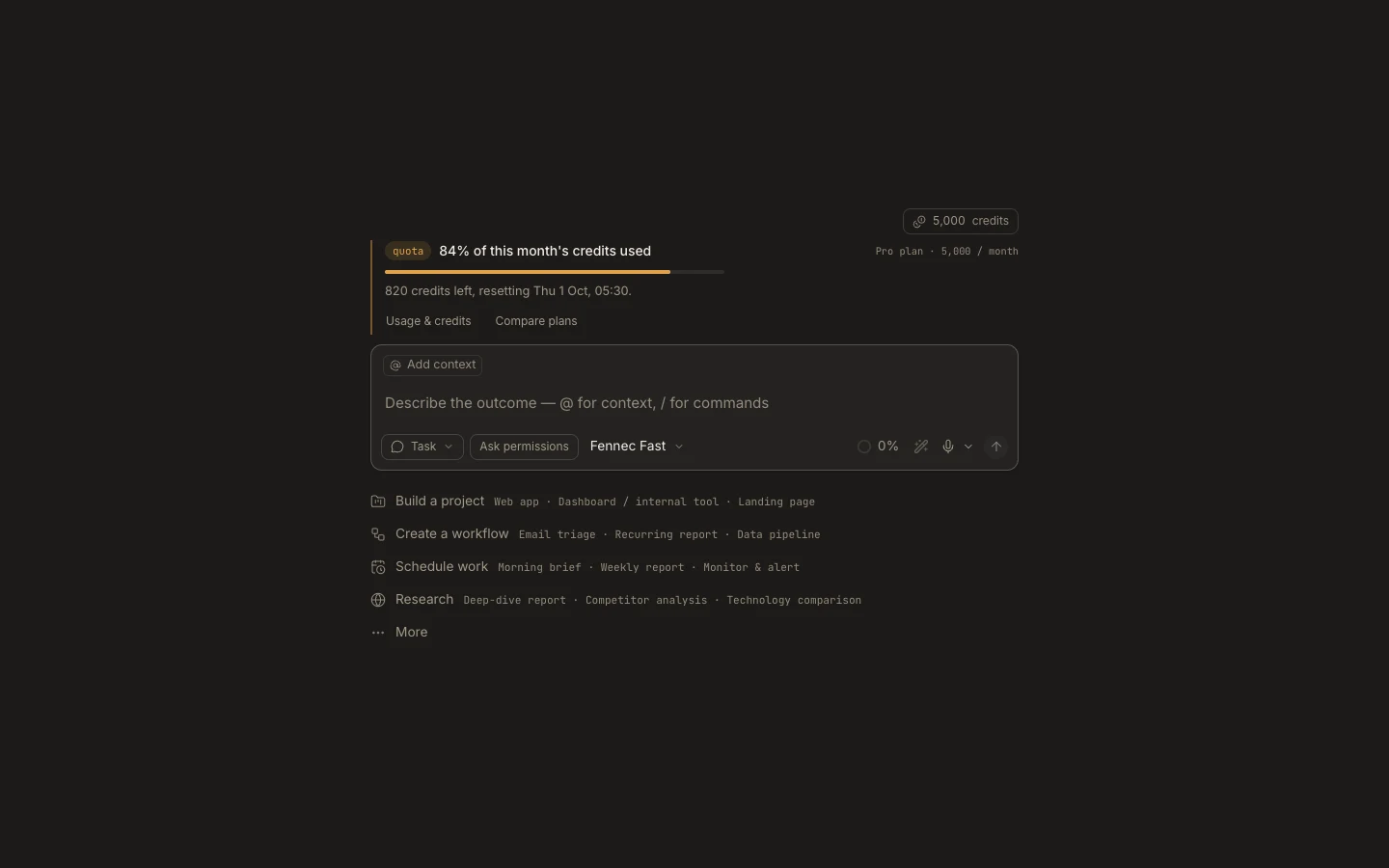
Getting started means choosing where work runs, giving Fennec the right context, and verifying the result in the same task.
On this page2
Steps
- Install Desktop or open Foxora Web and sign in.
- Create a task, then attach a local project or use its private cloud workspace.
- Keep the default Fennec tier unless the task needs more reasoning.
- Send a concrete outcome and review changes, commands, and artifacts as they appear.
Expected result
The task stays available in Tasks, while project files and Stage surfaces remain linked to the work that produced them.
Note: Autonomy changes which actions need approval; it does not remove Foxora’s policy or operating-system boundaries.