
Connect plugins and channels
Connect an external app or messaging channel with the smallest useful permissions.
On this page3
Plugins give Studio access to external apps. Channels let people reach an agent from messaging or email surfaces.
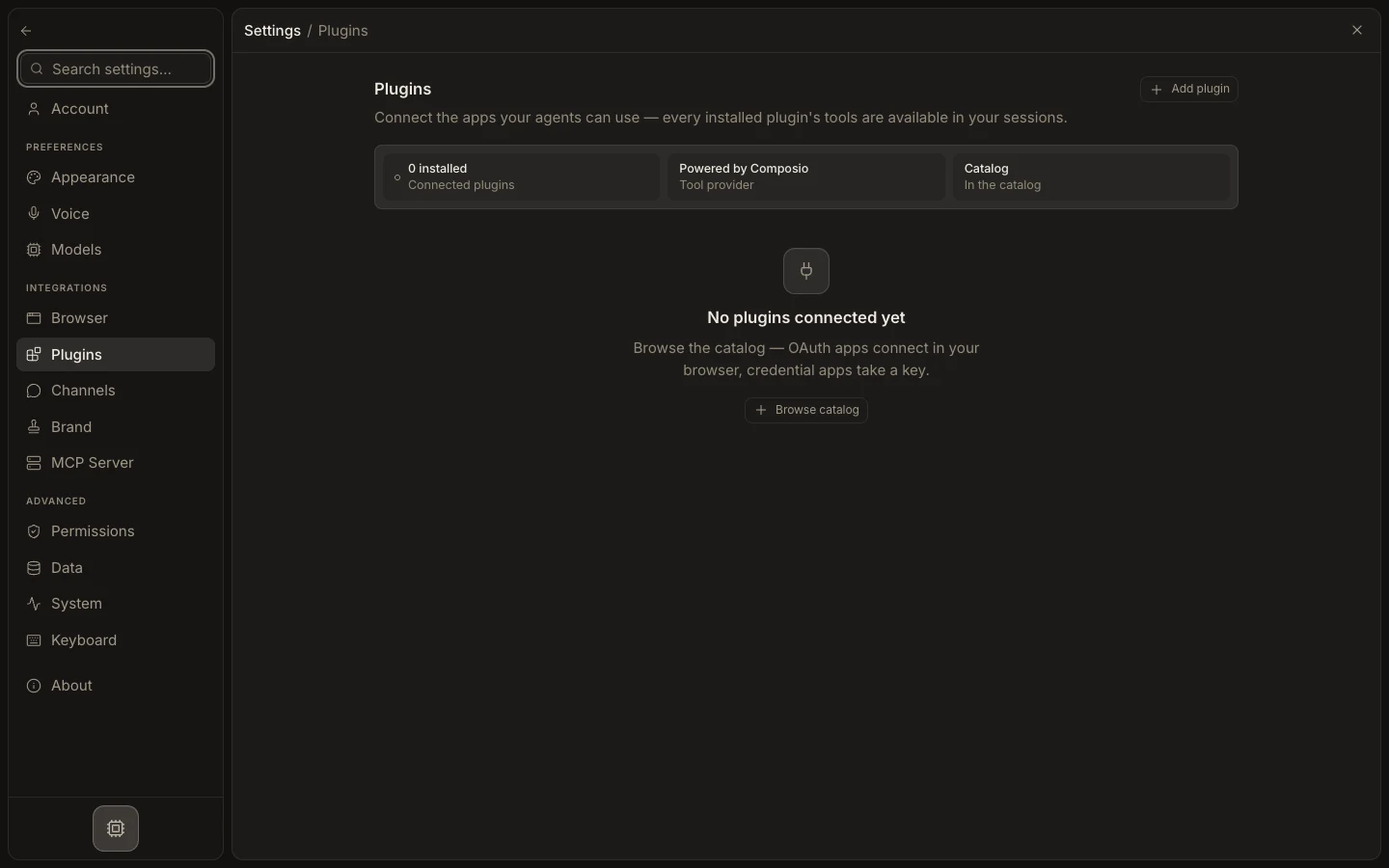
Plugin
- Open
Settings→Plugins. - Choose a plugin and review the requested permissions.
- Select
Connect, finish authorization, and return to Studio. - Test one read-only action before allowing writes.
Channel
- Open
Settings→Channels. - Choose the platform and follow its credential or authorization steps.
- Assign the intended agent or crew.
- Send one test message and confirm the reply in both Studio and the channel.
Warning: A green connection badge is not end-to-end proof. Always send a real test.
You are done when
The smallest representative read, write, or reply succeeds with the intended account and agent.