
Runs overview
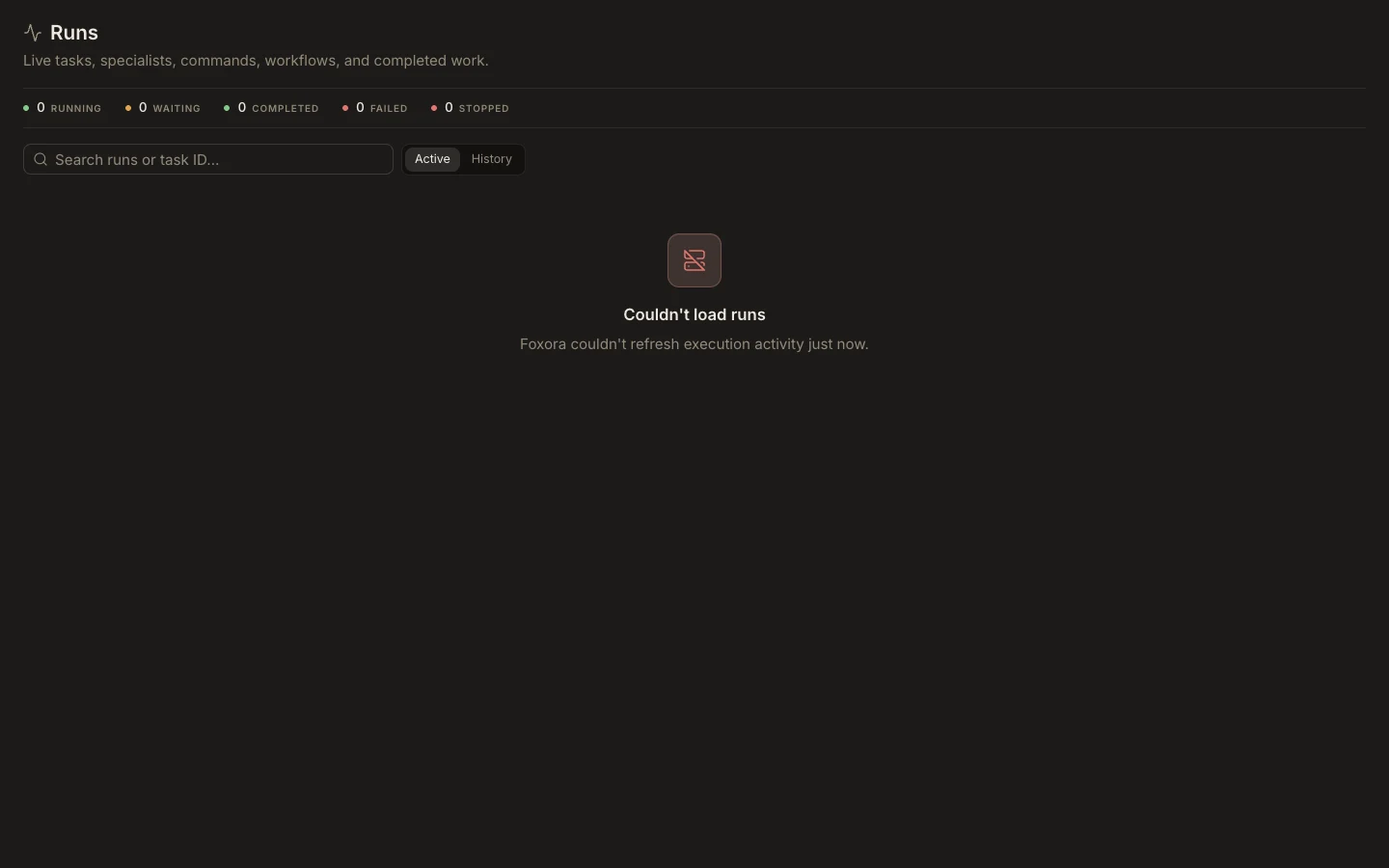
Runs combines live tasks, specialists, commands, workflow executions, and durable history in one read-only operational view.
On this page2
Read a run
- Open
Runsfrom the Foxora work area. - Use
Activefor running or waiting work andHistoryfor completed, failed, or stopped work. - Search by title, description, task ID, session ID, or automation run ID.
- Select
Detailsto inspect the plan, process tree, or workflow steps. - Copy the session ID when support or cross-checking requires an exact identifier.
Expected result
You can identify the run’s state, duration, activity, and child processes without confusing it with a new task. Runs are created by tasks, specialists, commands, schedules, and workflows; there is no standalone New run action.