
Project context and instructions
Project rules keep repository-specific commands, boundaries, and quality checks available whenever Fennec works in that project.
On this page2
Steps
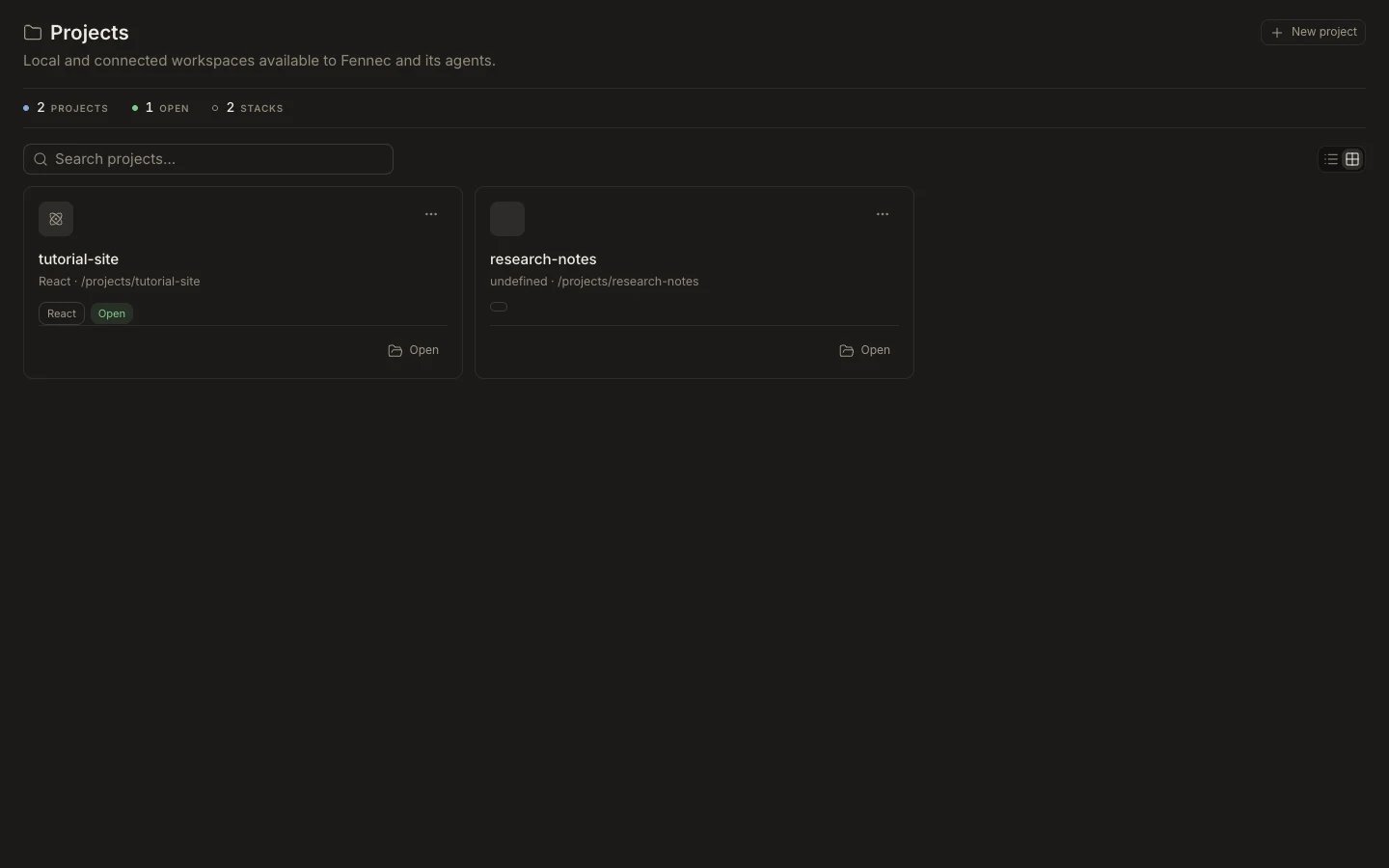
- Open the project and select Project settings.
- Add durable guidance to .foxora/rules.md, including allowed scope and required checks.
- Use .foxora/settings.json for project-level configuration supported by Foxora.
- Start a fresh task or restate changed rules, then verify Fennec follows them.
Expected result
Tasks attached to the project receive consistent, reviewable instructions alongside the project files.
Note: Do not put secrets in rules or committed settings. Keep credentials in the appropriate local or managed environment.