
Browser settings
Browser settings choose where Foxora opens and controls pages on this device. Desktop also offers an optional verified Browser Pack for full Playwright automation.
On this page2
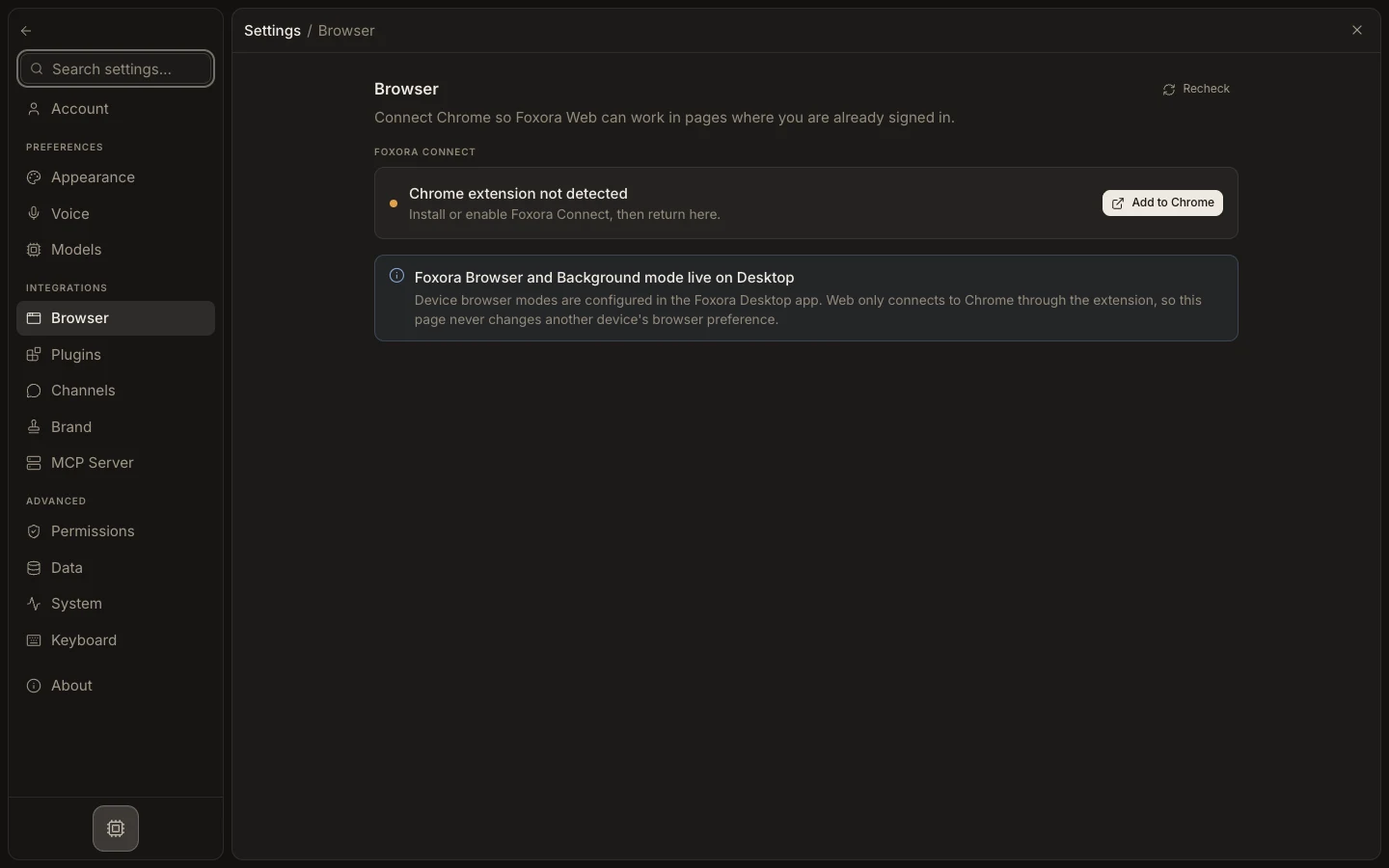
Choose a browser path
- Open
Settings→Browser. - Keep
Automaticfor task-aware routing, or chooseFoxora Browser,My Chrome, orBackground. - If using
My Chrome, install or openFoxora Connectand link the approved browser session. - Select
InstallunderBrowser Packonly when tasks need full Playwright control. - Select
Refresh, then test a harmless page in the intended signed-in or isolated context.
Expected result
The status shows the selected per-device mode as ready, active, lightweight, or needing setup, and browser work opens in the expected context.