
Repair bundled skills
Repair skills synchronizes Foxora's signed, content-only bundle with the current Runtime. It is a recovery action, not a general installer for arbitrary folders or MCP packages.
On this page2
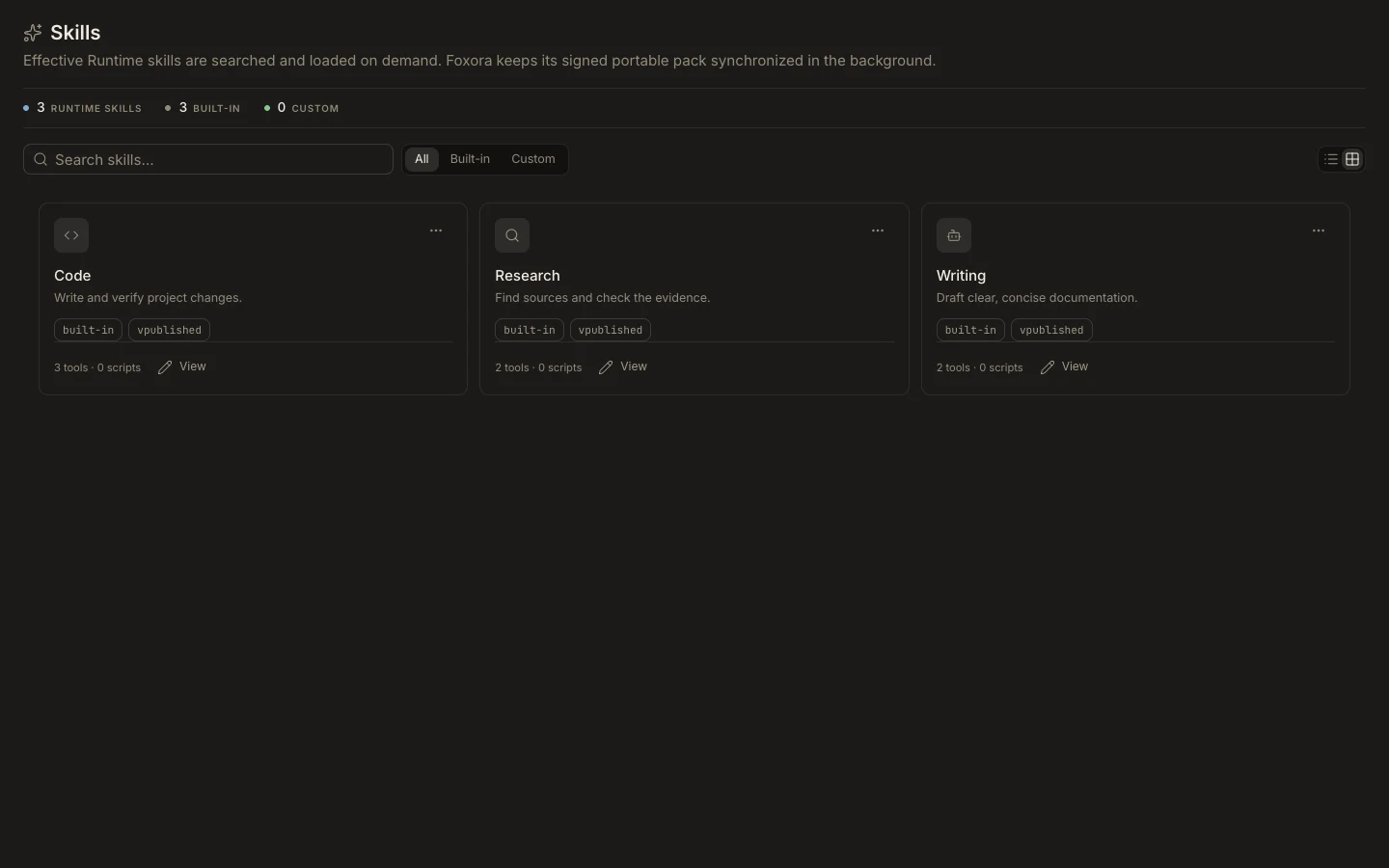
Restore the bundled pack
- Open
Studio→Skillsand wait for the Runtime catalog to load. - Select
Repair skills. - Review the bundled portable-skill count in the confirmation.
- Confirm
Repair skillsand wait for the completion notice. - Search for the expected managed skill and open its detail.
Expected result
The notice reports imported and effective skills, and the catalog refreshes. Repair restores content instructions only; it cannot grant tools, plugin access, MCP access, or executable scripts.