
Bring Your Own Key
BYOK lets a custom agent route through models billed to your provider account. The provider form accepts the secret; later edits keep saved secrets masked.
On this page2
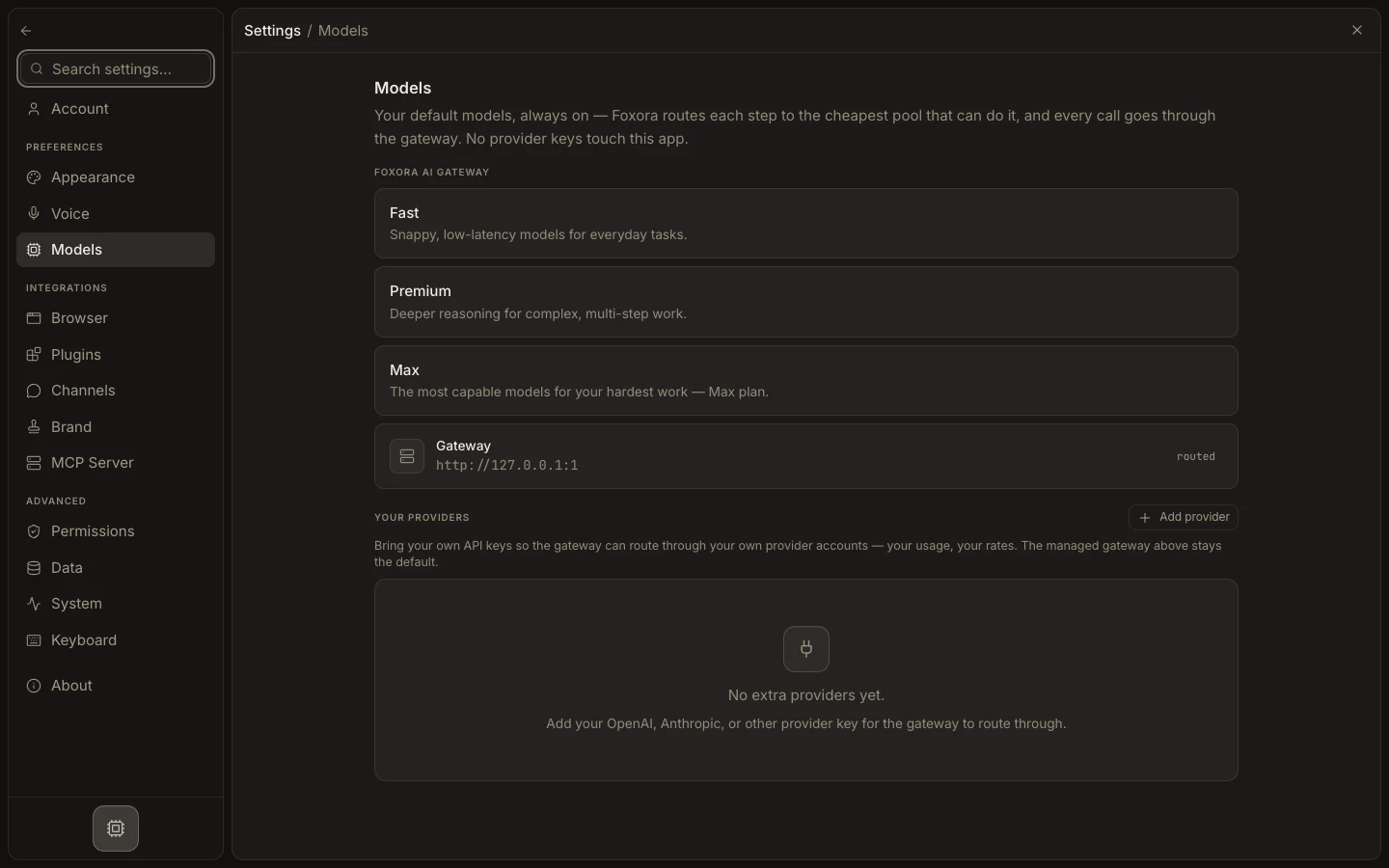
Use your own model account
- Create an API key in the provider's own console with only the needed access.
- Open
Settings→Models→Your providers. - Select
Add provider, choose the provider, paste the key, and selectConnect. - Edit a custom agent, open
Models, and chooseYour own model. - Add a primary model and optional fallbacks, then save and test the agent.
Expected result
The agent uses the ordered BYOK route. Provider billing and rate limits apply, while unrelated agents can continue using Foxora-managed routing.