
Quickstart: complete your first task
Complete a small, reversible task first so you can see how requests, tools, files, and verification fit together.
On this page2
Steps
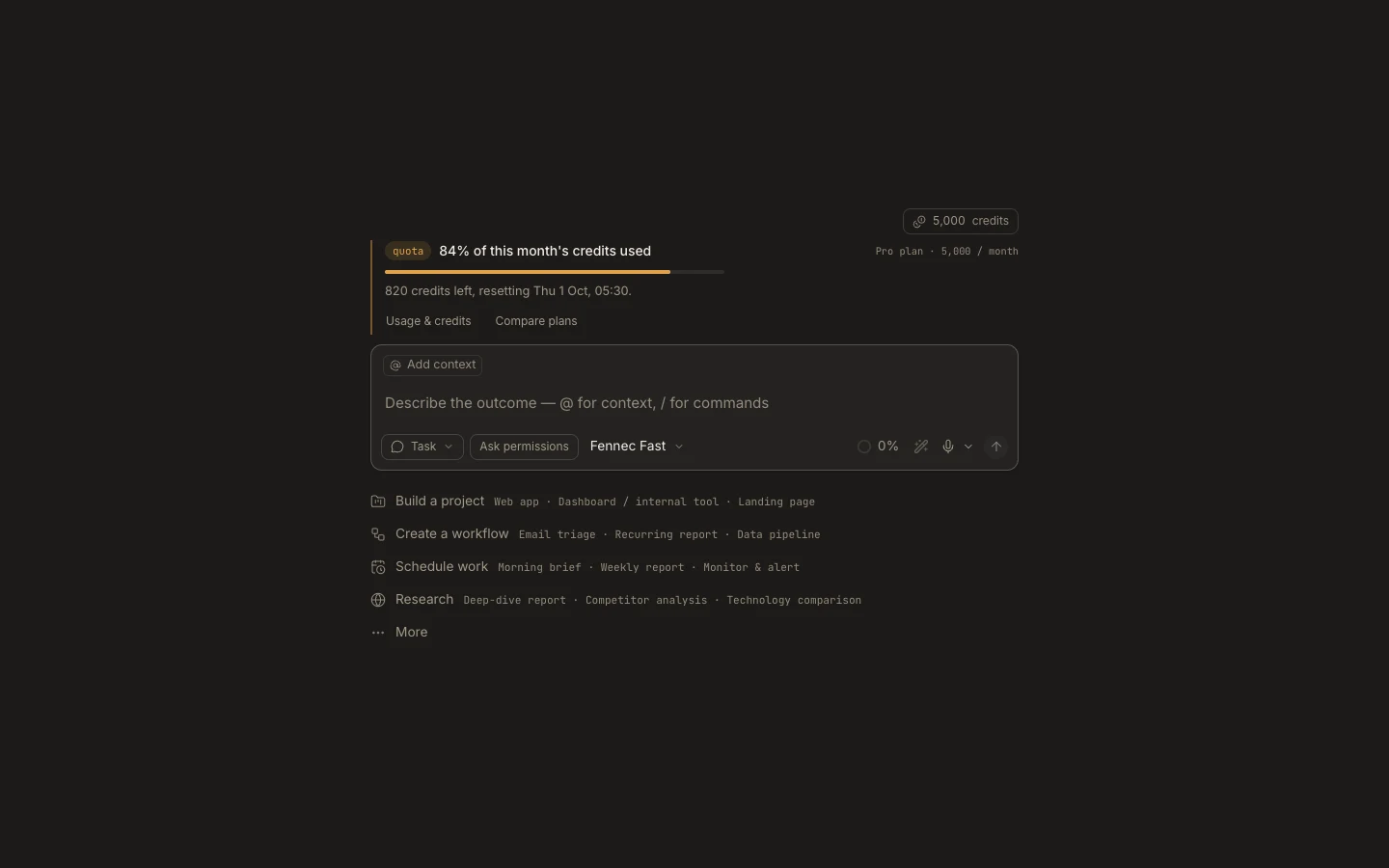
- Create a task and attach a disposable project folder, or use the task’s private workspace.
- Enter: “Create a short README with this project’s purpose, setup steps, and one verification checklist.”
- Leave Fennec Fast selected and choose Ask Permissions if you want to review every write.
- Approve only the expected actions, then open the README from Files and check its contents.
Expected result
A readable README exists in the selected workspace, and the transcript shows how it was created and verified.
Note: Use a non-sensitive sample project for this first run.