
Use Memory Den
Review what Foxora remembers and flag anything that should not be reused.
On this page2
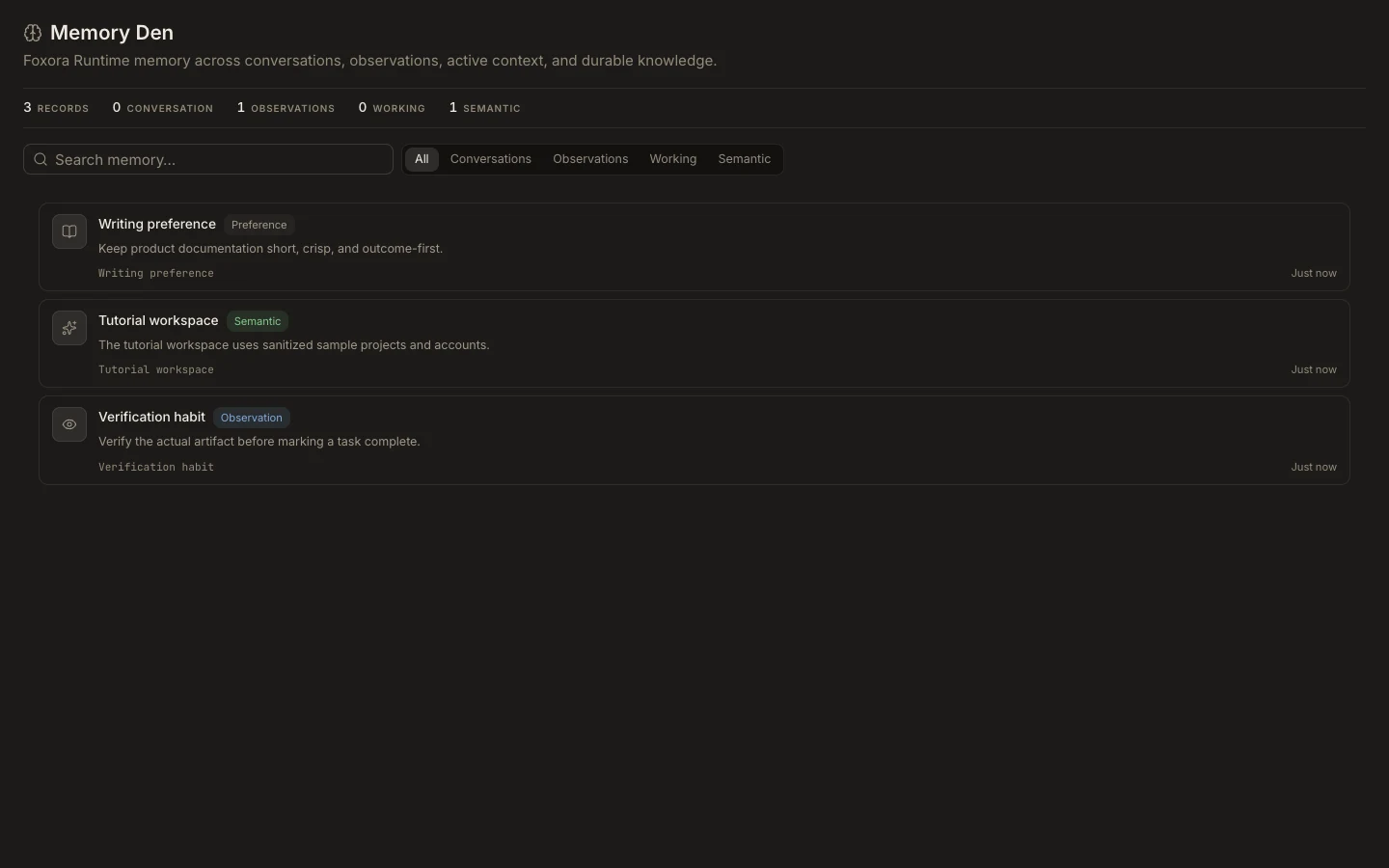
Memory Den shows information the runtime can reuse across tasks. Review it like any other durable project data.
Steps
- Switch to
Studioand openMemory. - Search for the project, person, or topic you expect Foxora to remember.
- Read each card's type, scope, and wording.
- Do not rely on stale, sensitive, or incorrect information. Correct it at its source or use the available data controls.
- Start a new task and ask a simple question that should use the retained memory.
Task transcripts, working memory, observations, and semantic records can have different lifecycles. Deleting a task does not always mean every related memory record is removed.
You are done when
The expected fact is reused correctly in a new task, and you have flagged anything that should not be trusted.