
Memory privacy and storage
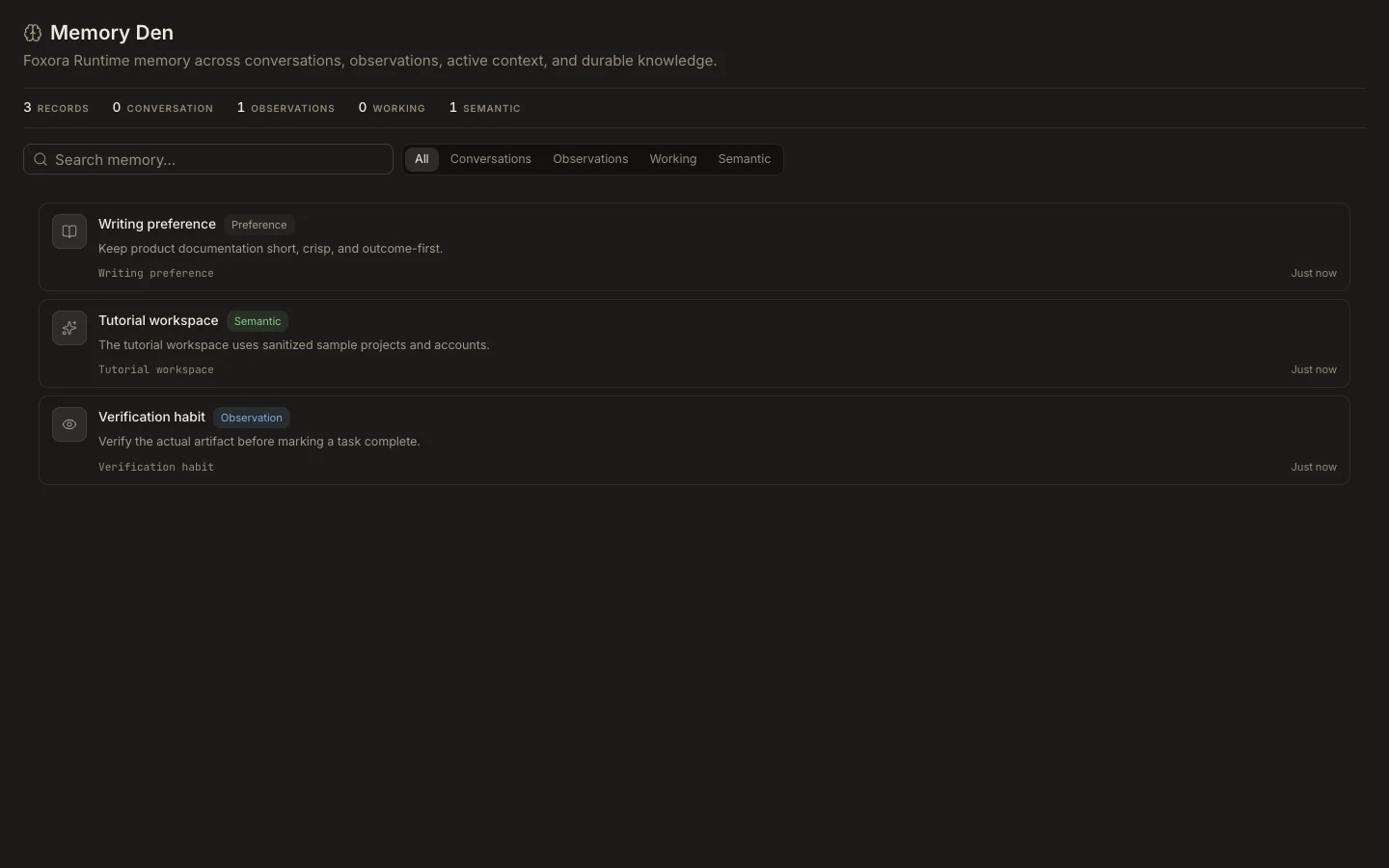
Memory can include conversation text, observations, working context, and durable facts. Review it as account or project data, not as harmless UI history.
On this page2
Reduce exposure
- Search Memory Den for names, credentials, customer data, or confidential project terms.
- Check each card’s scope before using it in a different task.
- Do not enter secrets in agent instructions, skill bodies, or normal prompts.
- Correct or remove sensitive source data through its owning system or available data controls.
- Use
Settings→Datato request an export when you need a portable record of your account data.
Expected result
Future tasks rely only on appropriately scoped, reviewed memory. Exporting does not delete anything, and removing a task may not remove every derived memory record. Local import is offered only by the Desktop daemon.