
Cloud projects and workspaces
Foxora Web uses a managed workspace for files, Git clones, terminal sessions, and task artifacts instead of a folder on your computer.
On this page2
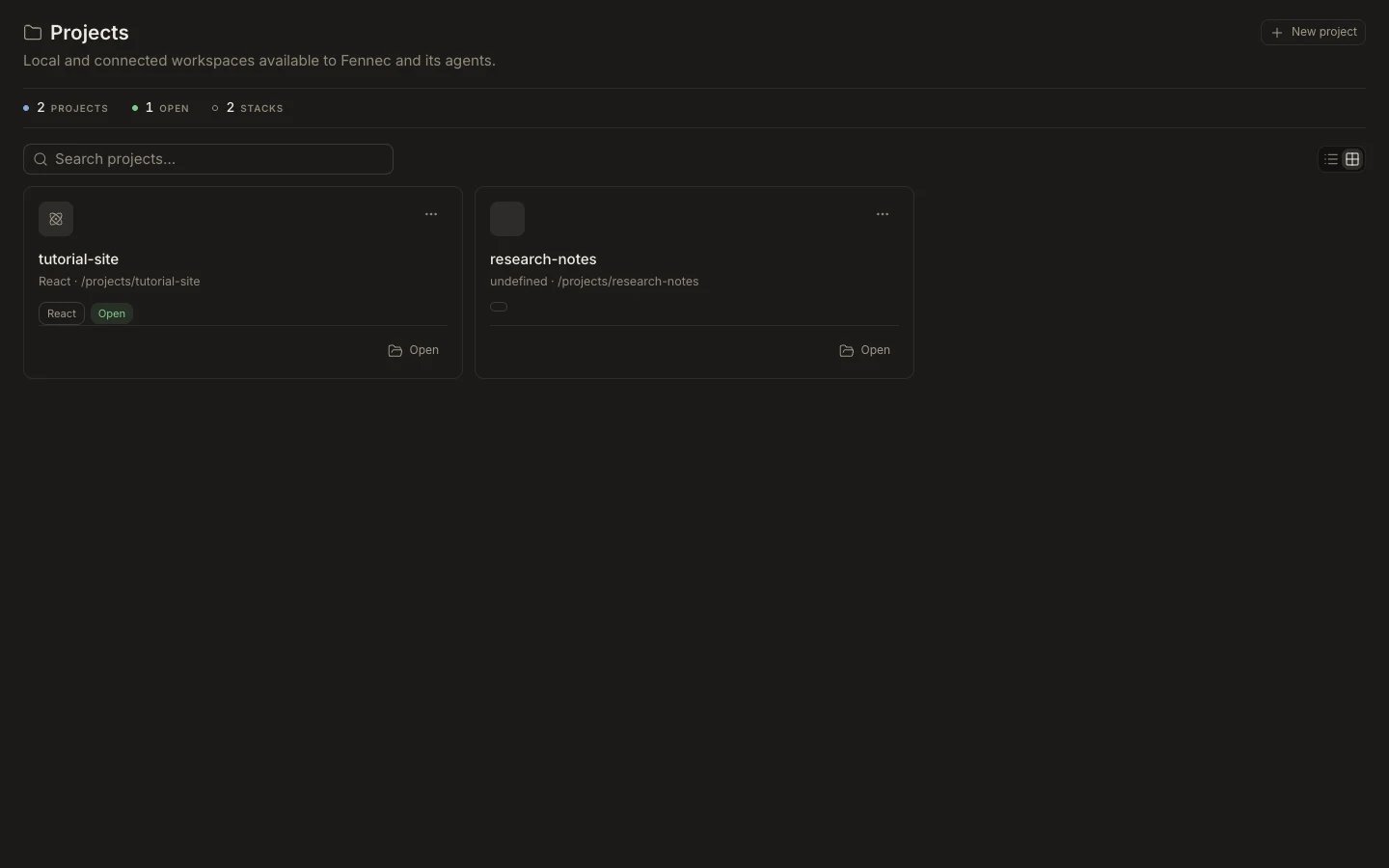
Steps
- Open Projects and clone a public or authenticated Git repository when you need durable project context.
- Start without a project when an isolated task workspace is enough.
- Use Files to confirm the active root before asking Fennec to edit or run commands.
- Download important files or a project archive when you need a local copy.
Expected result
The task, Files view, and cloud terminal operate against the same selected workspace.
Note: Local filesystem paths are not cloud authority; use Desktop when the source of truth is a folder on your device.