
Overview
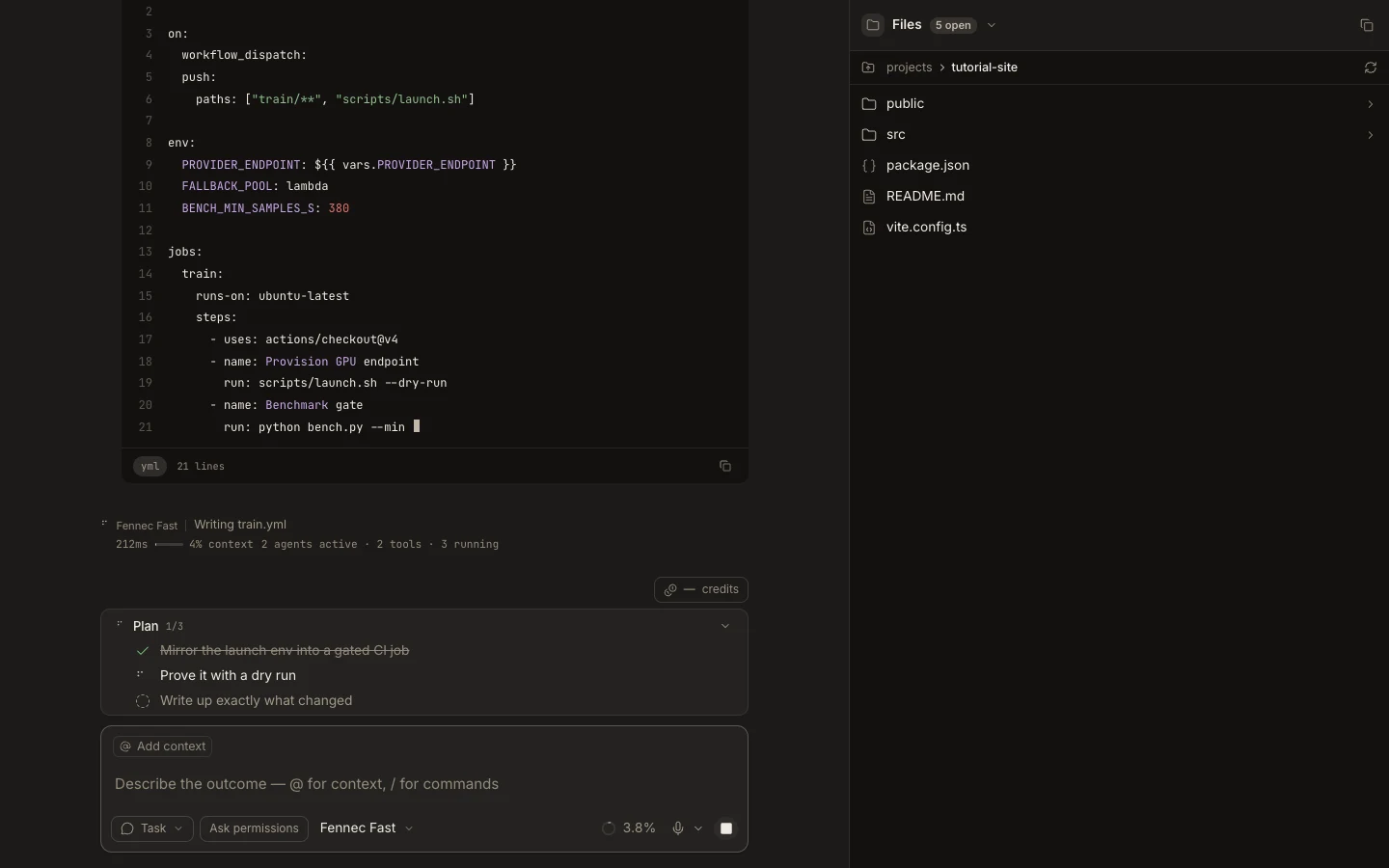
Files and Editor provide a project-aware tree, tabs, direct editing, Git-aware review, and links back to the task that produced a change.
On this page2
Steps
- Attach a project and open Files.
- Select a file to open its editor tab and breadcrumb.
- Edit or inspect the content, then save any user-authored buffer.
- Use View changes or Terminal to review the diff and run verification.
Expected result
The project tree, open editor, and task all refer to the same workspace and saved file state.
Note: Web supports downloading the live editor buffer; Desktop keeps local files on disk.