
Cancelling a subscription
Cancel from the hosted billing flow, record the stated end date, and confirm that access remains scheduled rather than ending unexpectedly.
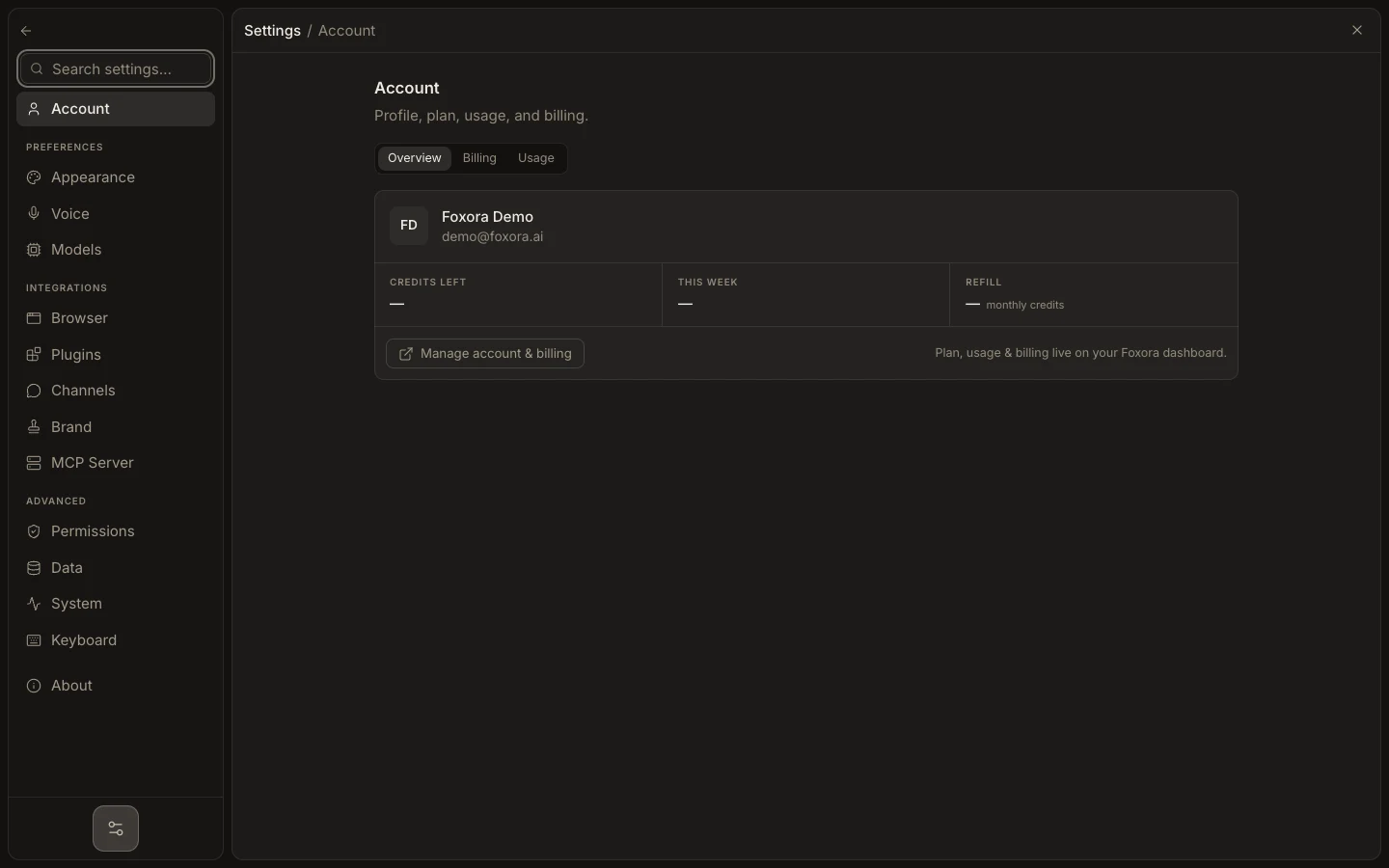
- Export anything needed from paid workflows and pause automations that should not continue.
- Open account.foxora.ai, choose Plans & billing, then Manage billing.
- Select the subscription cancellation control and review the effective date.
- Confirm once and save the portal confirmation.
- Return to Foxora and refresh the billing page.
The current billing service schedules cancellation at the end of the active period; it does not immediately erase the account or local data. Account deletion is a separate irreversible action.
Expected result: the billing page or portal shows cancellation scheduled for the stated date, with no duplicate subscription change.