
Voice and hands-free conversations
Voice can turn speech into composer input or run a hands-free conversation when microphone support is available.
On this page2
Steps
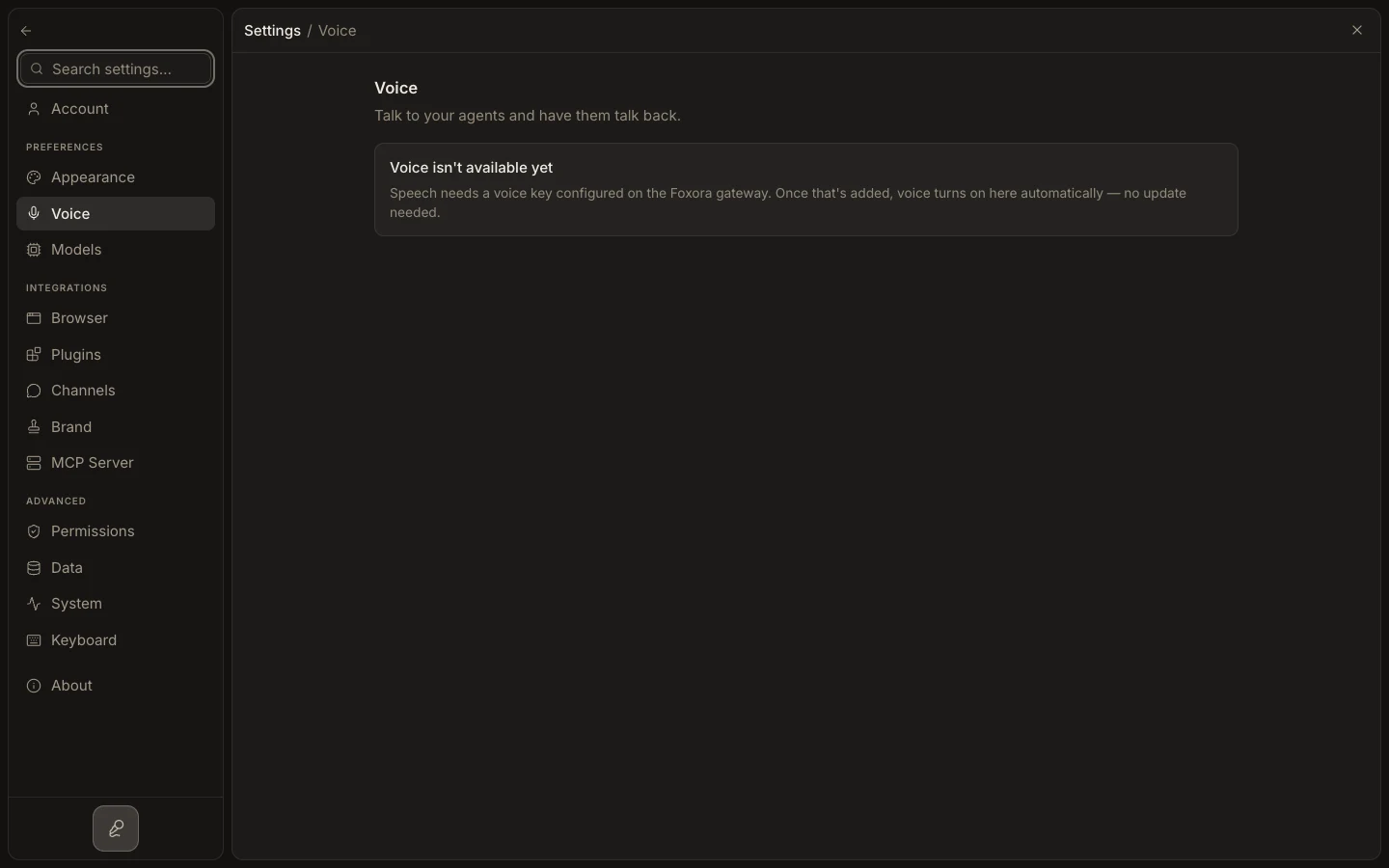
- Open Settings → Voice and select the intended microphone and voice options.
- Grant Microphone access in Settings → Permissions and the operating system.
- Use the composer microphone for push-to-talk dictation, or start the available hands-free mode.
- Review the transcript, correct any critical names or numbers, and end the live session when finished.
Expected result
Your spoken request becomes task context and Fennec’s response remains visible in the transcript.
Note: Voice availability depends on the signed-in account, device, and configured audio support.