
Interactive processes
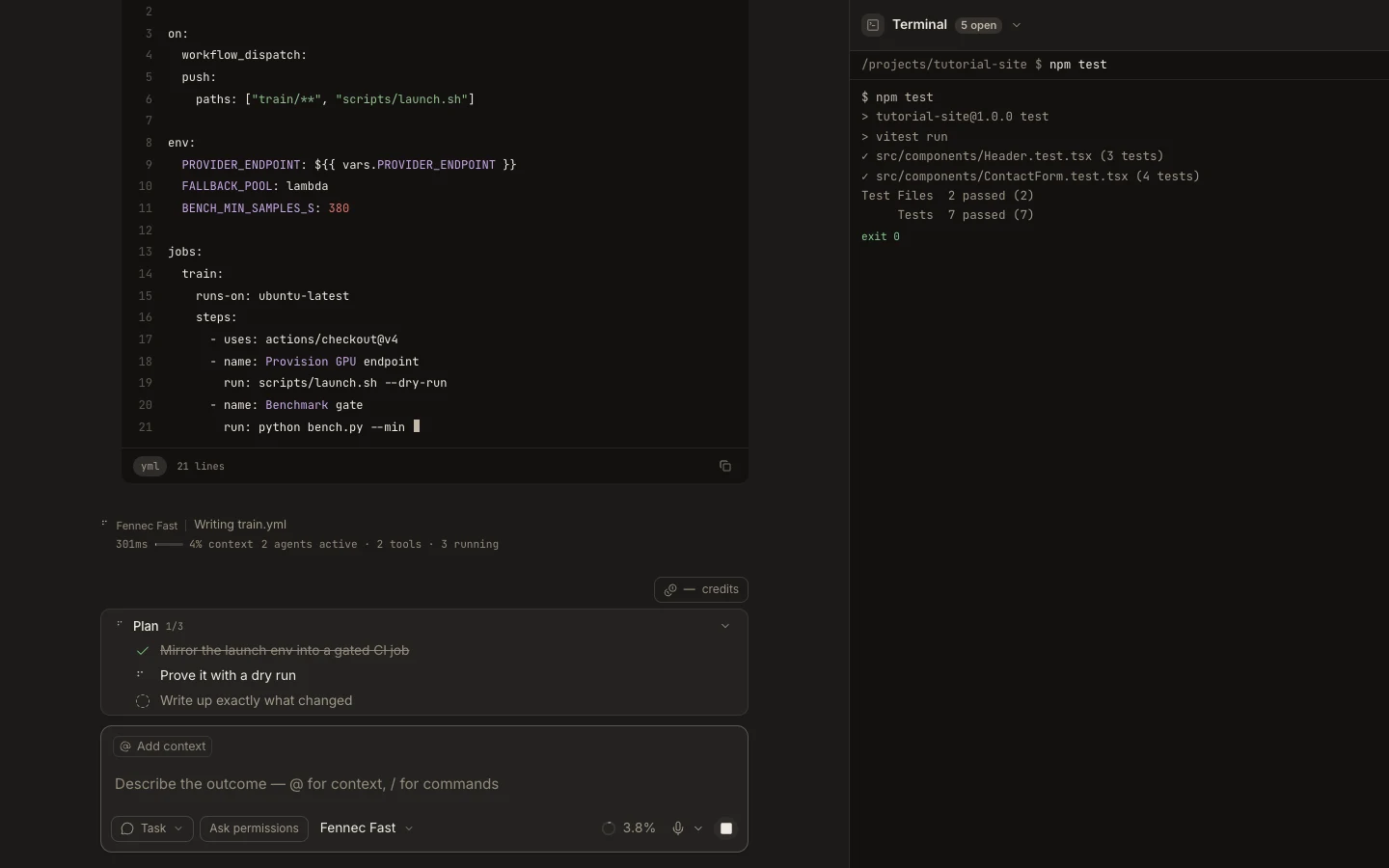
The full Foxora terminal supports interactive shells and long-running processes, including development servers that can expose a preview URL.
On this page2
Steps
- Open Terminal in Stage and confirm the project working directory.
- Start the interactive command and watch its initial output for prompts or errors.
- Enter requested input directly in the terminal.
- When a local server prints a detected URL, open its Preview surface and test the result.
Expected result
The process remains attached to its terminal tab and accepts input until it exits or you stop it.
Note: Switching away from Stage keeps a real terminal session alive; closing its tab intentionally kills that shell.