
Installation
Use Foxora Desktop for local projects and device tools, or Foxora Web when you want a cloud workspace in the browser.
On this page2
Steps
- Download the current macOS or Windows installer from the official Foxora download page.
- Open the installer and complete the operating-system prompts.
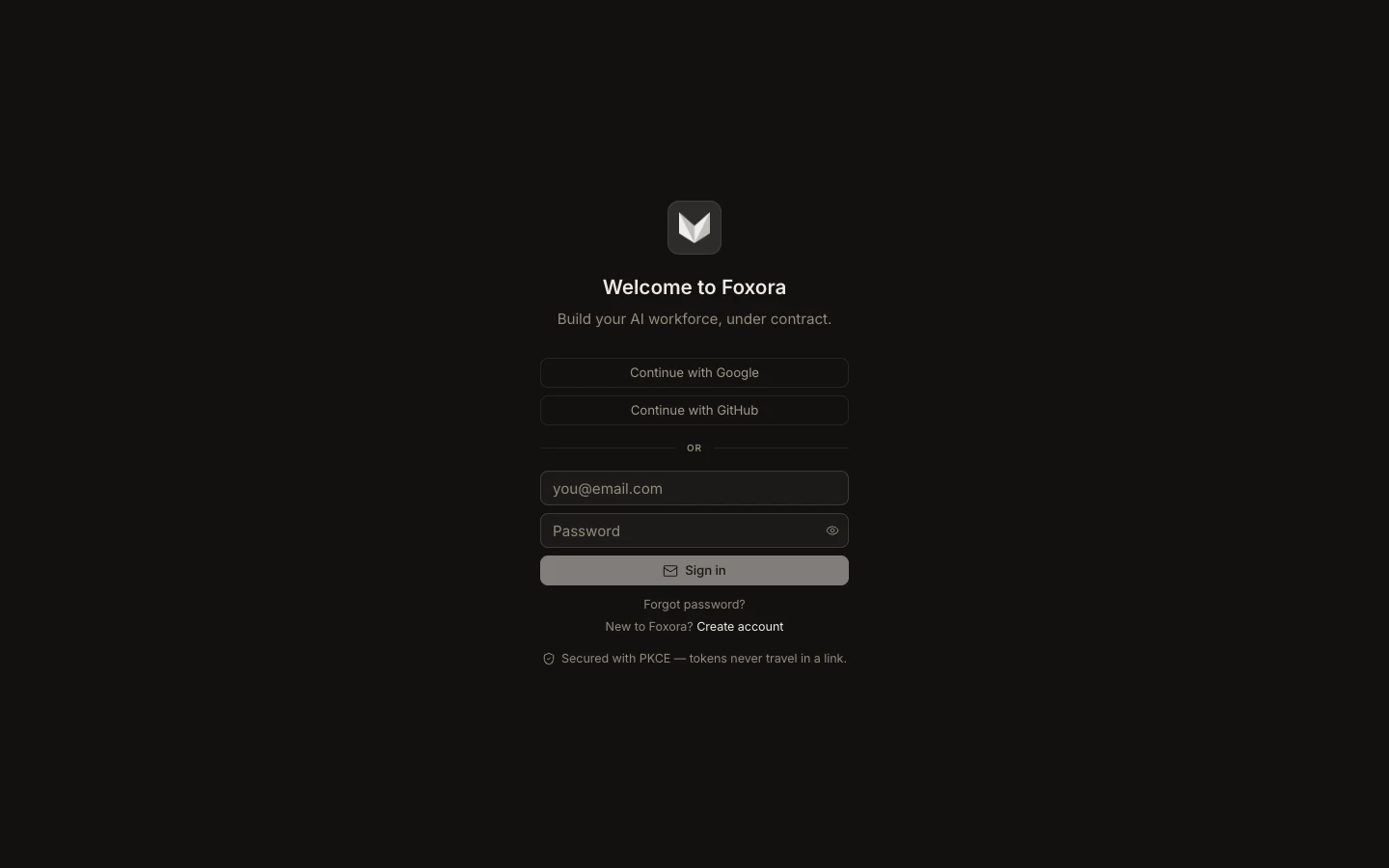
- Launch Foxora, sign in, and complete the short first-run setup.
- Open Settings → About to confirm the installed app version.
Expected result
The Tasks screen opens and you can create a task. Local folders, native terminals, and device permissions are available only in Desktop.
Note: If installation is blocked, use the operating system’s security prompt to verify and allow the signed Foxora application.