
Cloud execution and artifacts
Cloud tasks run tools and commands inside a managed workspace, then keep their files and evidence connected to the task.
On this page2
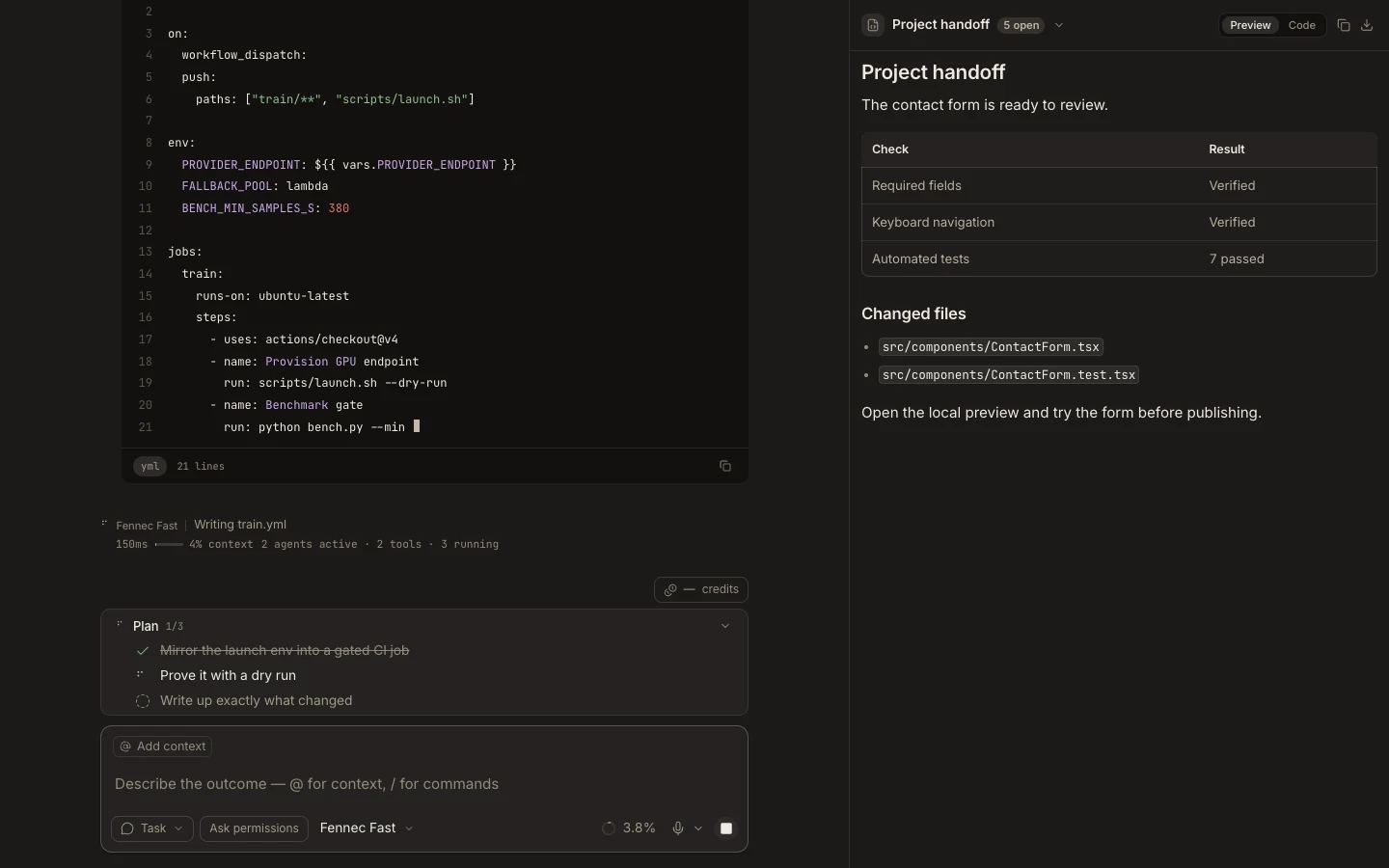
Steps
- Start a Web task or choose Cloud from Foxora Desktop.
- Attach a cloned cloud project, or continue in the task’s private workspace.
- Describe the command, file, or artifact you need and the check that should pass.
- Review activity in the transcript, then open or download the resulting artifact.
Expected result
The work executes in the cloud workspace and the task records its output, generated files, and verification.
Note: A cloud task cannot silently use Desktop-only folders, terminals, or operating-system permissions.