
Overview
Browser tasks navigate, read, click, fill, and capture evidence through the task transcript; Stage Preview is a separate surface for app previews.
On this page2
Steps
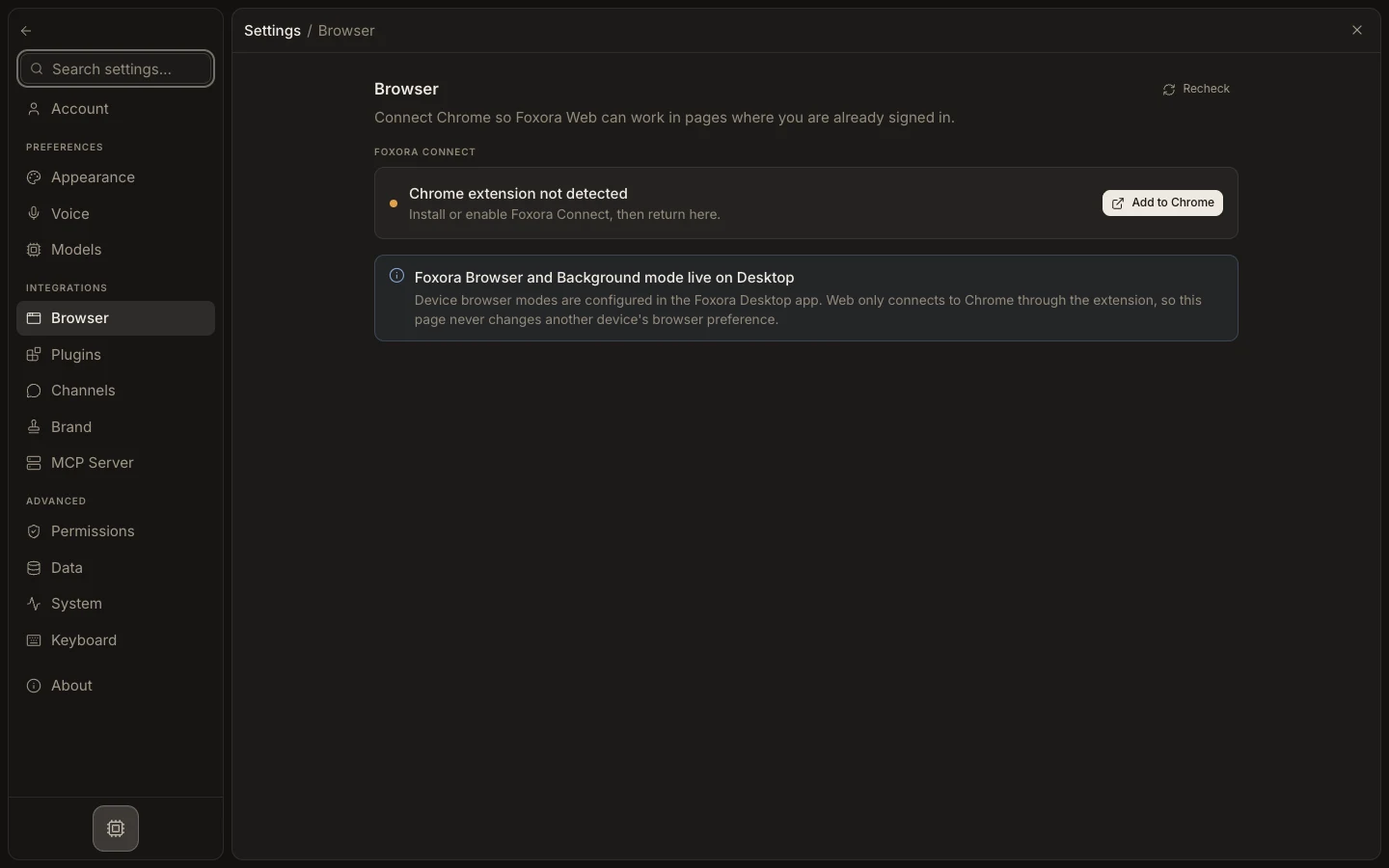
- Configure the browser path in Settings → Browser.
- Start a task and provide the exact site, goal, and external-action limits.
- Follow browser actions and screenshots inline in the transcript.
- Verify the final URL, account, and visible result before accepting the task.
Expected result
The task records browser activity and evidence without confusing it with a local app Preview surface.
Note: Browser evidence does not automatically open a general Browser panel in Stage.