
Draft crew details with Foxora
The current crew flow keeps team composition manual. Writing assistance can help draft the mission and goal, but it does not silently choose members or publish the crew.
On this page2
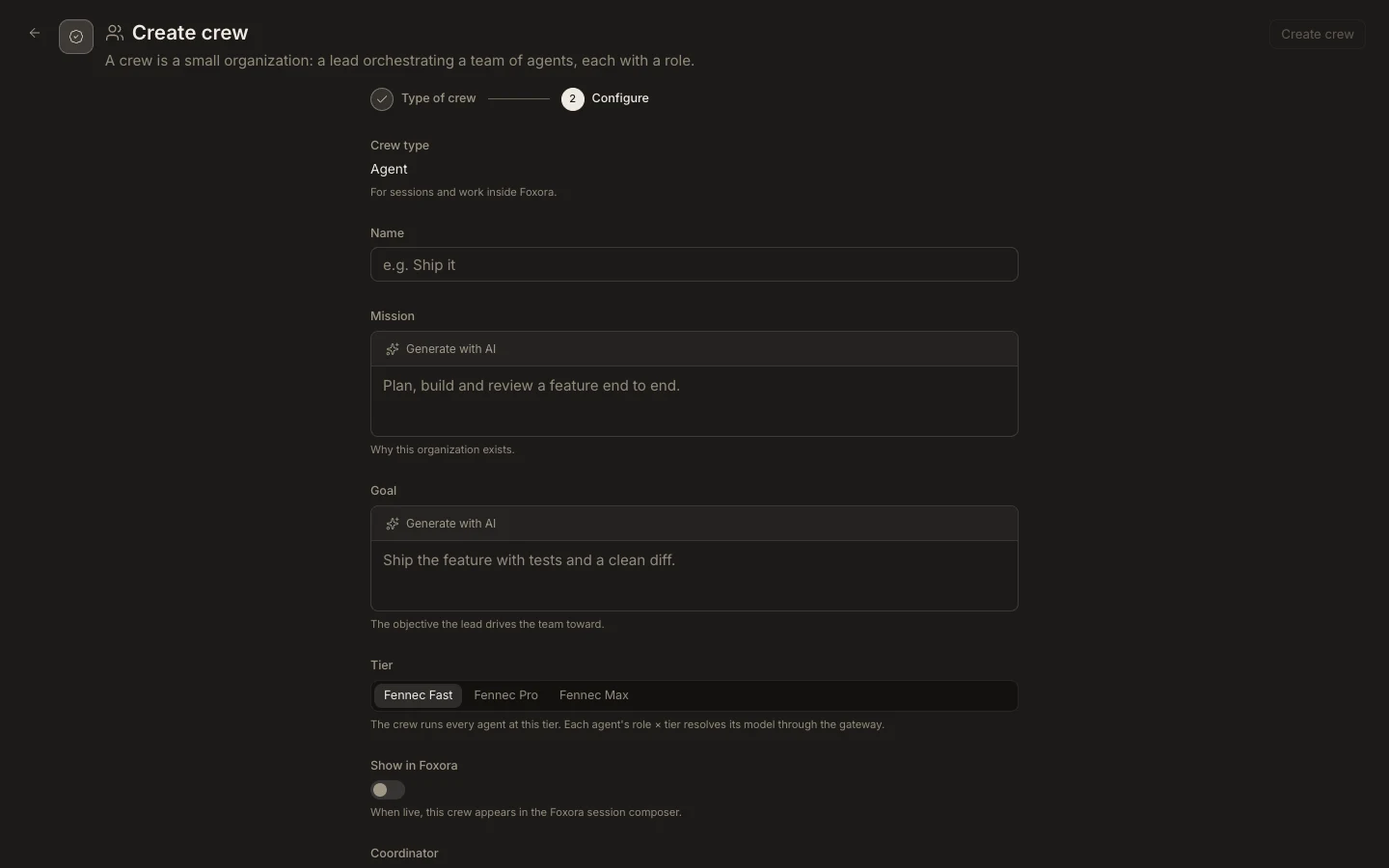
Use writing assistance
- Start
New crewand choose the deployment type yourself. - Enter a name that distinguishes the team from individual agents.
- Use the writing assist in
MissionandGoal, then edit the result to include a clear definition of done. - Choose the tier and add only compatible agents; assign each member a role.
- Review live or chatbot deployment settings before selecting
Create crew.
Expected result
The saved crew has human-reviewed intent and an explicit roster. No agent, skill, permission, or external connection is added merely because generated text mentioned it.